Look after every screen from your desk
See what each screen is playing, fix it remotely and turn it on and off on a schedule, from one dashboard. No site visits, whether you have one screen or hundreds.
Your first screen is free forever. Try Screenflex
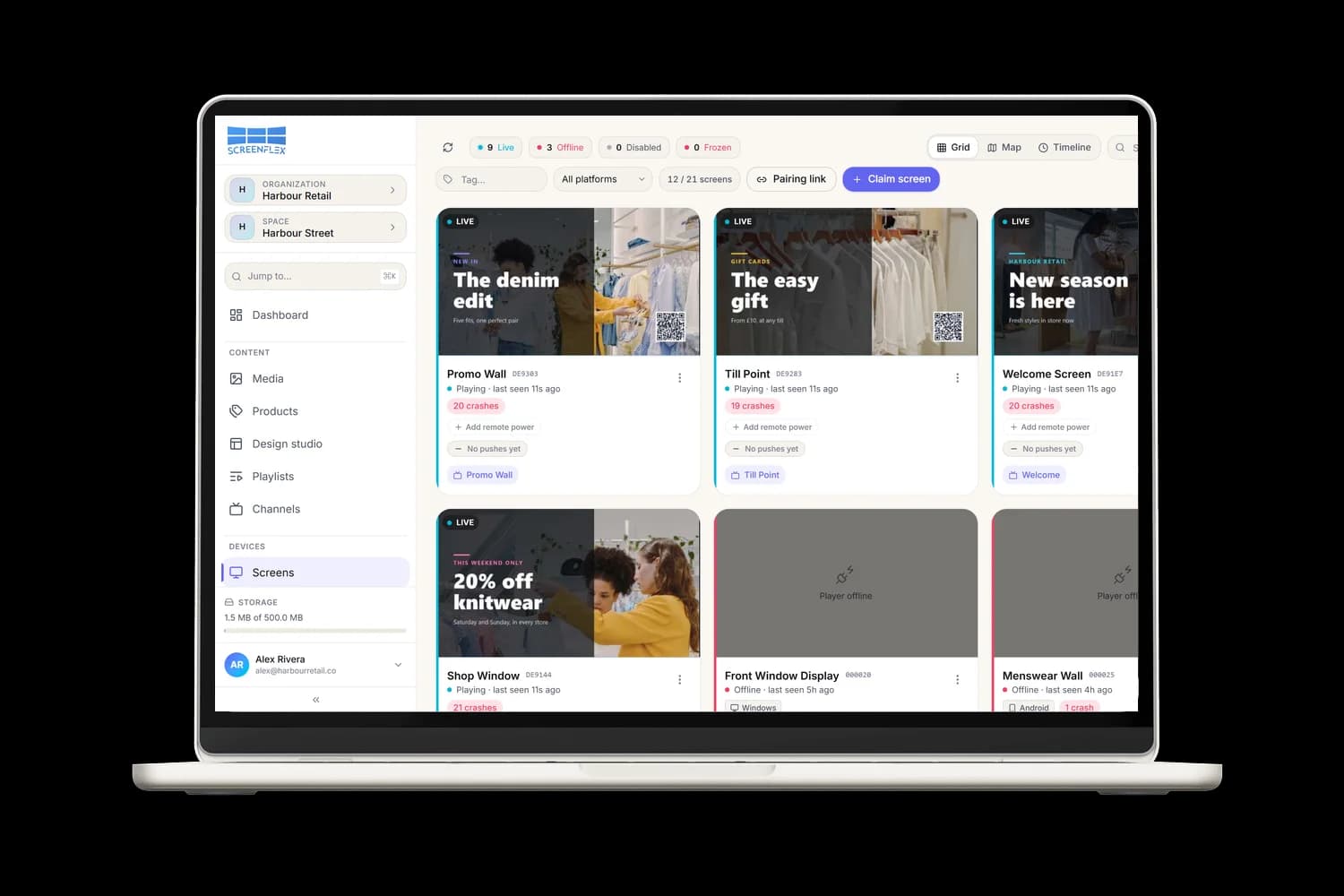
Every command, one click away
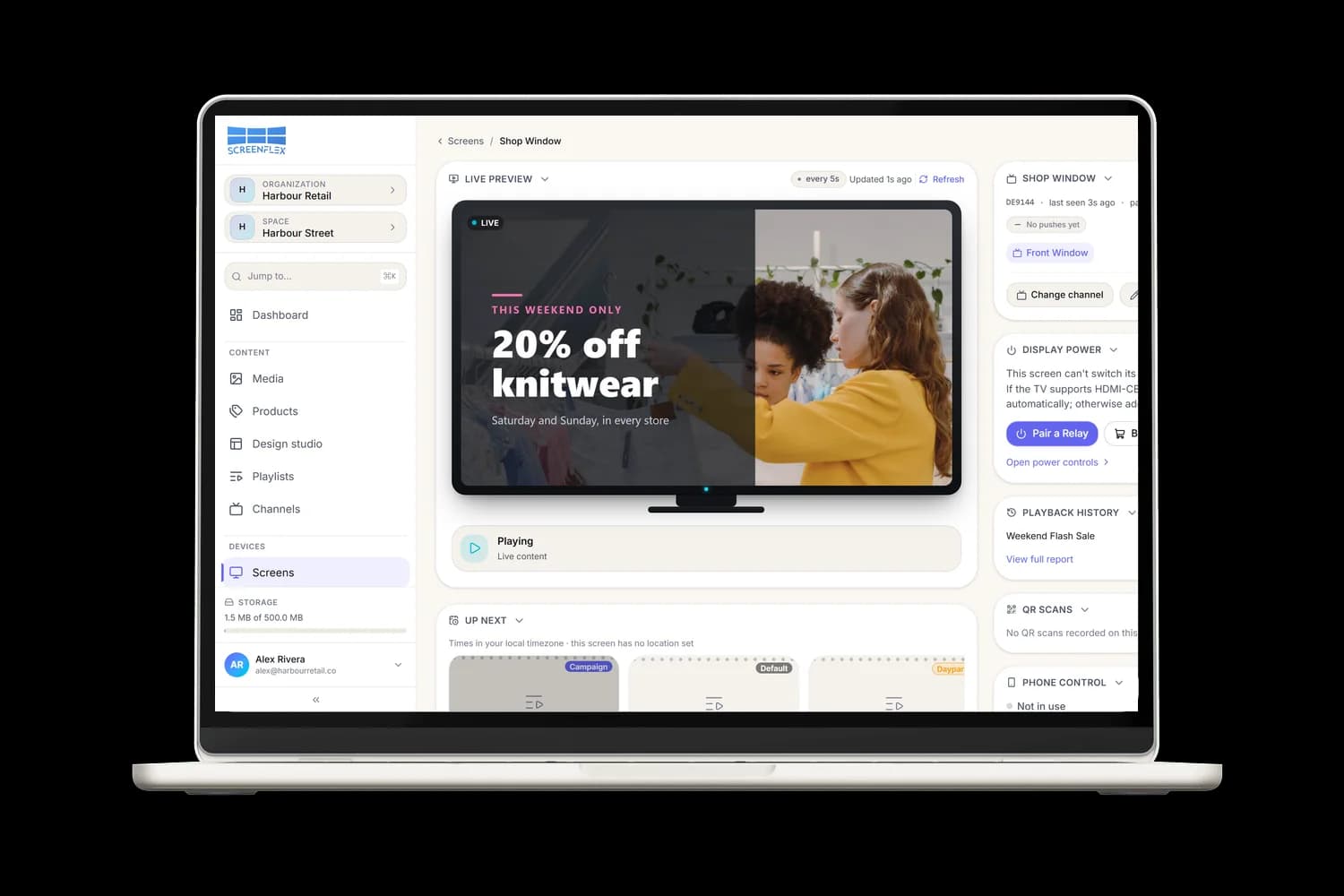
Open any screen to see a live picture of what it's showing, its device details and its event log. Then send it a command: it confirms as soon as it's done.
What remote device management does for you
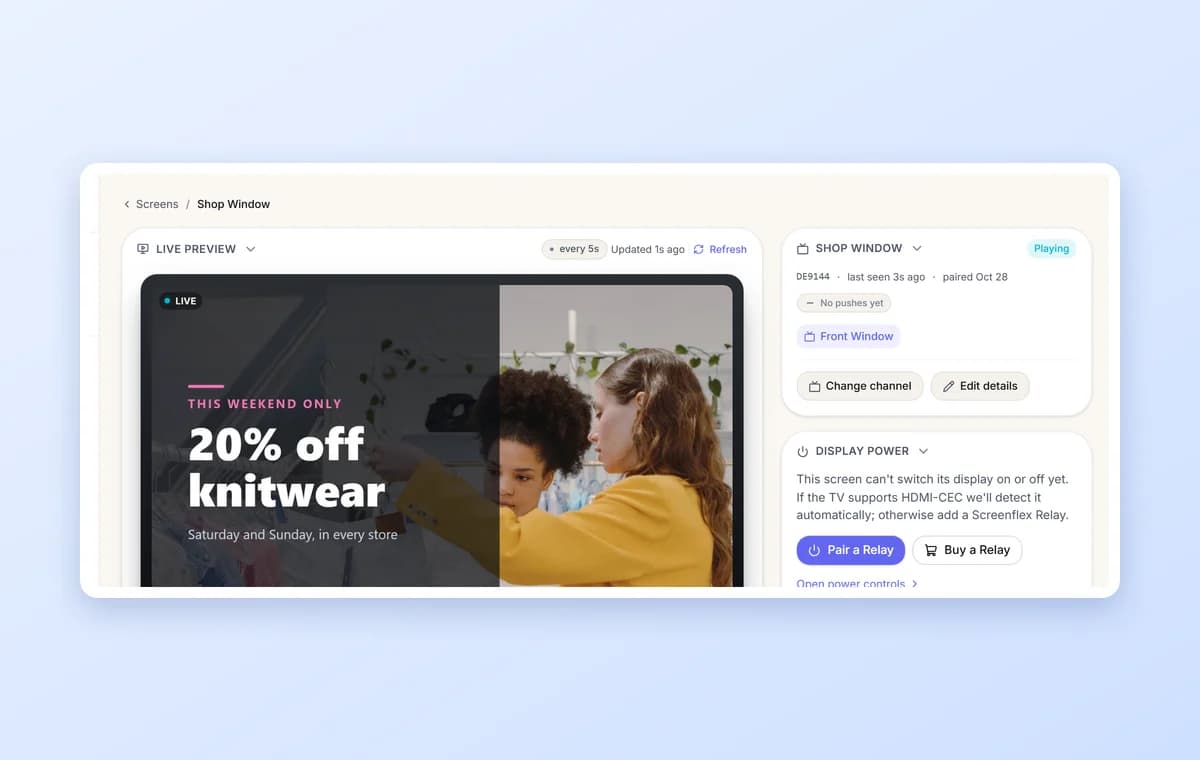
See and fix every screen remotely
- Live preview: a picture of what the screen is showing right now, refreshed every few seconds.
- Remote commands: reload, restart, clear the cache, switch channel or show a message, without going on site.
- Device details and log: operating system, app version, network and storage, plus a timeline of every start, crash and download.
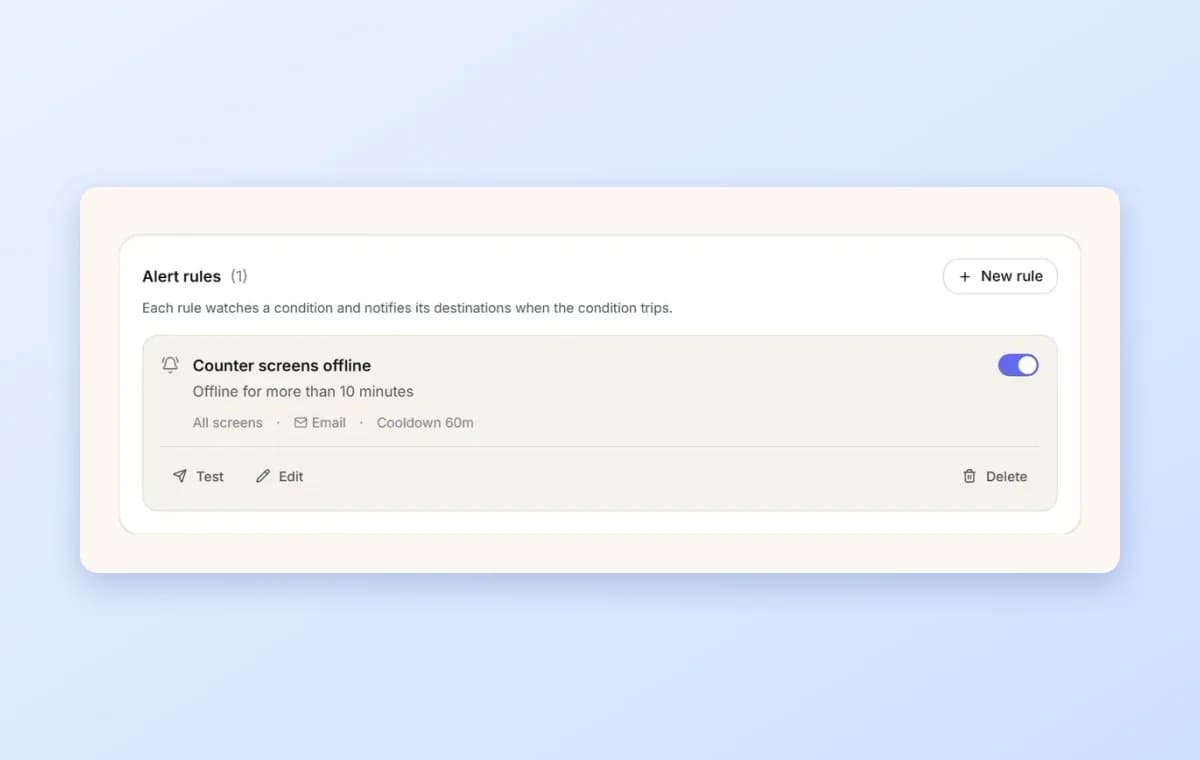
Know first when something goes wrong
- Offline alerts: get told when a screen has been offline for longer than you choose, from one minute to a week.
- Error alerts: get told when a screen reports crashes or errors, by count over a time window.
- Where you want them: by email, in Slack, or sent to your own system, with a notice when the screen recovers.
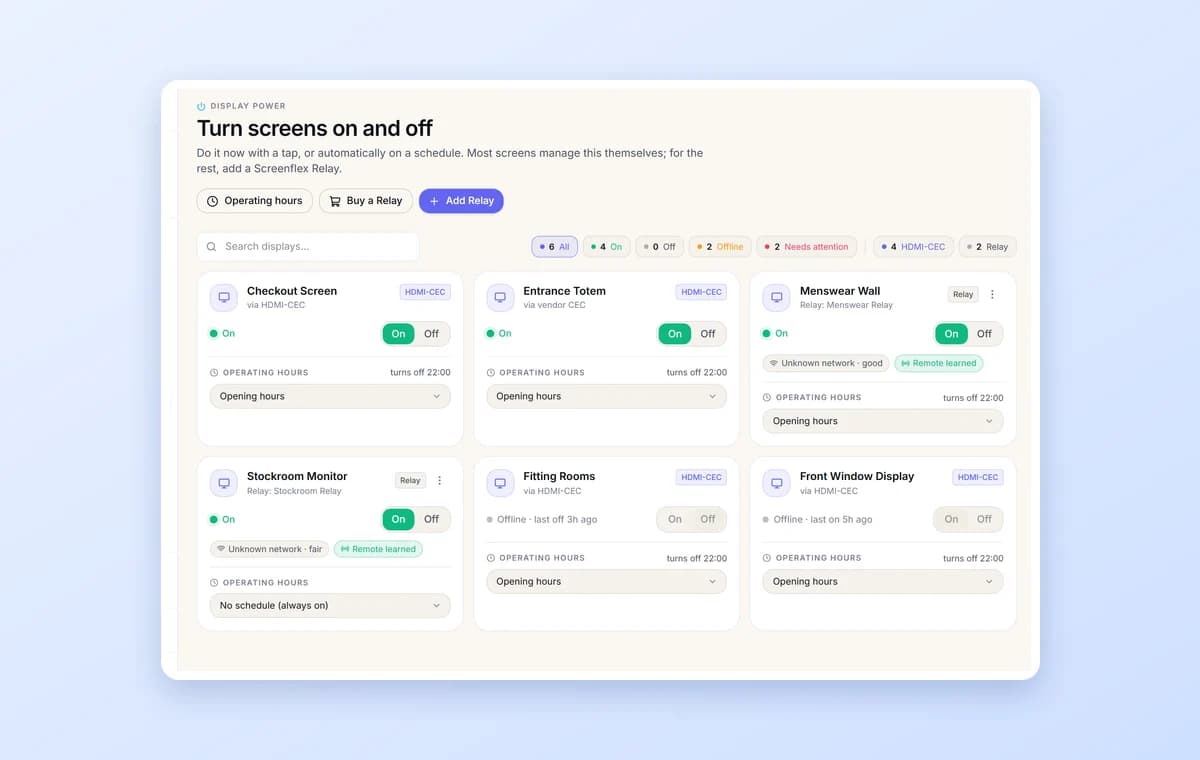
Turn screens on and off on a schedule
- With a tap: switch any screen on or off from the dashboard.
- Opening hours: set them once and screens switch off at closing time by themselves, saving energy and panel life.
- For any TV: most screens are controlled through HDMI-CEC; for the rest, add a Screenflex Relay.
Get started with the screen you already have



Have a TV or player?
Install the free Screenflex app on Android, Windows, Samsung Tizen, Fire OS or Raspberry Pi, pair it with a code and manage it from your dashboard.
Download the app
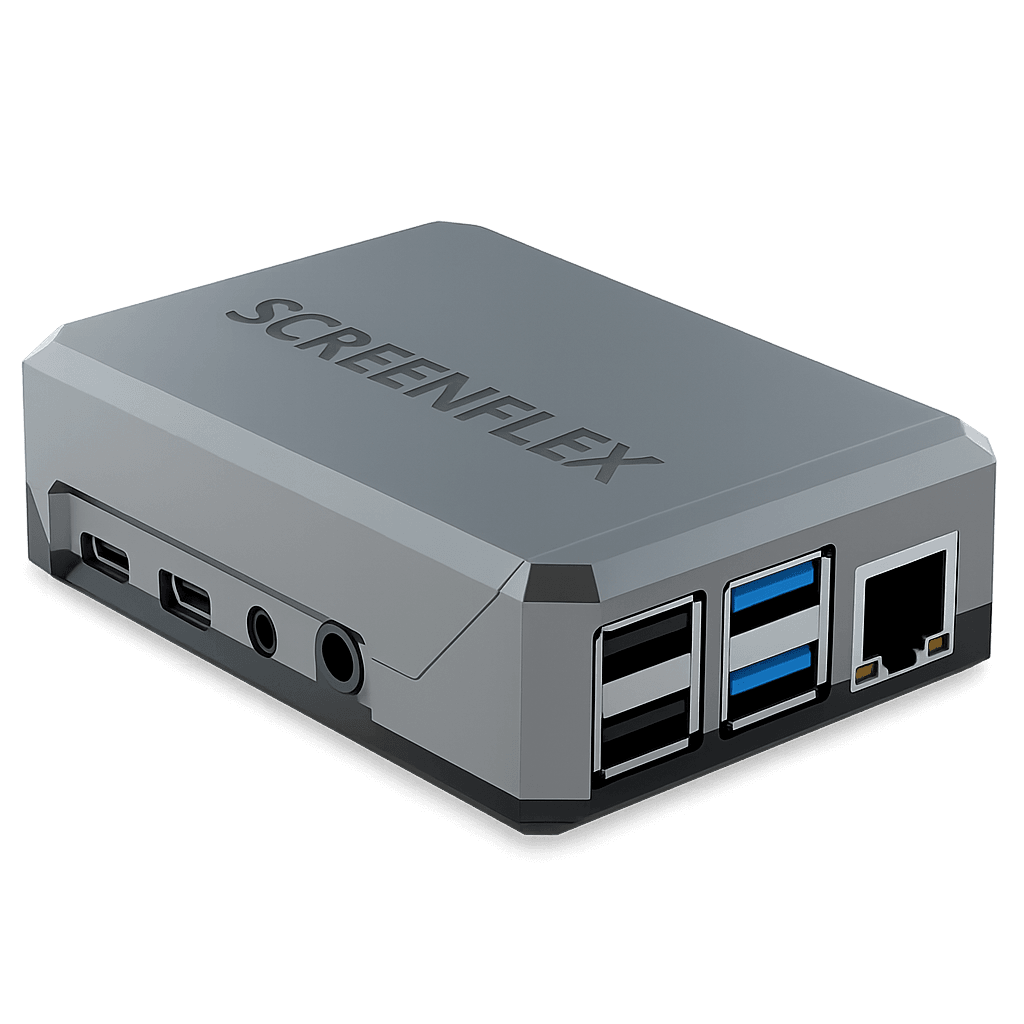
Screenflex Player
A ready-to-use player: plug it into any screen with HDMI and it's ready to pair and manage remotely.
Read more