
Get the free Screenflex app
and go live in minutes
Screenflex runs on the screens you already have: Samsung smart TVs, Android boxes and tablets, Fire TV, Windows PCs and Raspberry Pi. Pick yours below. The app is free, and so is your first screen.

Screenflex for Android
The most popular way to start. A low-cost Android TV box turns any TV into a Screenflex screen, and a tablet makes a great countertop sign or touch display.
- TV boxes, sticks, tablets and phones
- Restarts on its own after a power cut
- About 5 minutes to set up


No Google Play on your device, or setting up a locked kiosk? Install the APK instead.

On air in three steps
Install from Google Play
Search for Screenflex Player on the device and install it.
Pair it in seconds
The screen shows a short code. Type it into Screenflex Studio and the screen is yours.
Go live
Pick a template, make it yours and publish. Change it from anywhere, any time.

Screenflex for Samsung smart TVs
Already have a Samsung smart TV on the wall? Screenflex runs on the TV itself. No box, no extra cables, nothing else to buy.
- Samsung smart TVs from 2021
- No extra hardware
- About 5 minutes to set up
On your TV, open Apps and search for Screenflex.
On air in three steps
Install from the TV's app store
Press Home on the remote, open Apps and search for Screenflex.
Pair it in seconds
The screen shows a short code. Type it into Screenflex Studio and the screen is yours.
Go live
Pick a template, make it yours and publish. Change it from anywhere, any time.

Screenflex for Windows
Got a PC behind the screen? Install Screenflex from the Microsoft Store and it opens full screen every time the PC starts.
- Windows 10 and 11
- Keeps itself up to date
- About 5 minutes to set up
Need a kiosk screen nobody can close? Request the kiosk installer.
On air in three steps
Get it from the Microsoft Store
Search for Screenflex Player, click Install, then Open.
Pair it in seconds
The screen shows a short code. Type it into Screenflex Studio and the screen is yours.
Go live
Pick a template, make it yours and publish. Change it from anywhere, any time.

Screenflex for Fire TV
Turn an affordable Fire TV Stick into a signage player that plugs straight into any TV, or run Screenflex on a Fire TV Edition smart TV.
- Fire TV Stick, Cube and Fire TV Edition TVs
- Free app, one-time setup
- About 10 minutes to set up
It's free. Send us a quick message and we'll send you a download link for the latest version.
On air in three steps
Get the app
Request the free app file. We send you a link to install with Fire TV's Downloader app.
Pair it in seconds
The screen shows a short code. Type it into Screenflex Studio and the screen is yours.
Go live
Pick a template, make it yours and publish. Change it from anywhere, any time.

Screenflex for Raspberry Pi
The lowest-cost way to run many screens: a tiny, silent computer behind each display, and the only device whose Wi-Fi you can change from anywhere.
- Raspberry Pi 4 and 5, and Linux PCs
- Updates itself over the internet
- Best with someone technical
It's free. Send us a quick message and we'll send you a download link for the latest version.
On air in three steps
Get the installer
Request the free installer, then set it up with a few copy-and-paste commands.
Pair it in seconds
The screen shows a short code. Type it into Screenflex Studio and the screen is yours.
Go live
Pick a template, make it yours and publish. Change it from anywhere, any time.
Not sure which device to use?
Start from your space. Here's what works best where.
A Samsung smart TV is already on the wall
Install Screenflex straight onto the TV. Best where someone is around to reopen it after a power cut.
Samsung TVA TV in a shop, lobby or waiting room
An Android TV box is the easiest, lowest-cost way to start, and it restarts on its own.
AndroidA small display or a touch screen
An Android tablet makes a great countertop sign or touch kiosk.
AndroidA PC already sits behind the screen
Use Windows. Install from the Microsoft Store in a couple of clicks.
WindowsA TV with a spare HDMI port, on a budget
A Fire TV Stick plugs straight in. One of the most affordable ways to start.
Fire TVMany screens, or sites you can't easily visit
A Raspberry Pi keeps costs down, and you can change its Wi-Fi from anywhere.
Raspberry Pi
Nothing is locked to one device. Move a screen to new hardware any time by pairing the new device.
Rather not set anything up?
Skip the installing. Get a player that's ready out of the box, or let our team set your screens up for you.
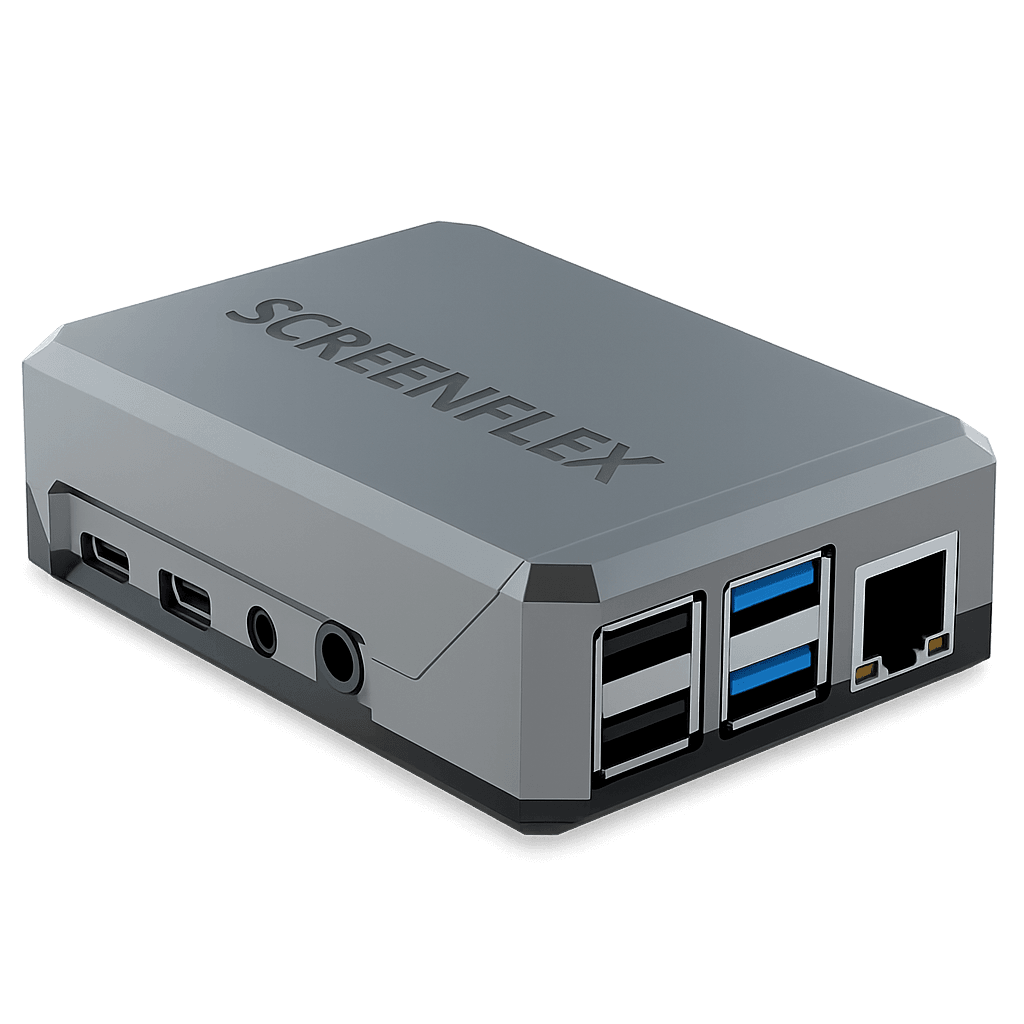
Get the Screenflex Player
Our own player box comes with Screenflex already installed and locked to your content. Plug it in and you're on air.
Meet the Screenflex Player

Let our team do it
Tell us about your screens. We'll install and pair them for you, or send devices that are ready to go.
Talk to our team