
The numbers
What the research says

-10%
Chronic absence after regular reminders
-27%
Course failures with timely alerts
-41%
Students failing to earn credit
See it in action
School screens updated in a minute
Why it pays off
Three ways your screens keep everyone on time
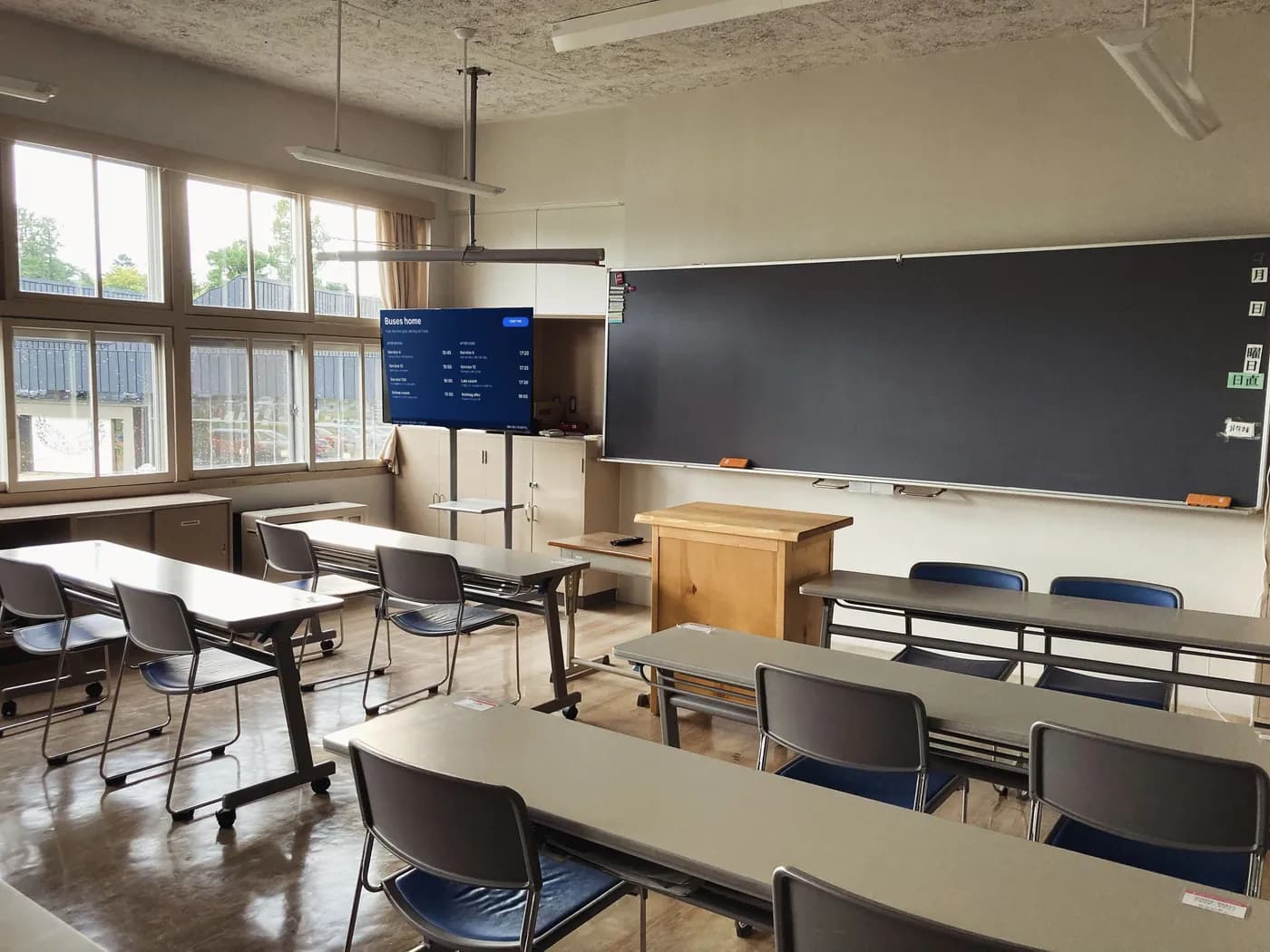
Reach every student, every day
Put today's information where students pass, not in an email they won't open.
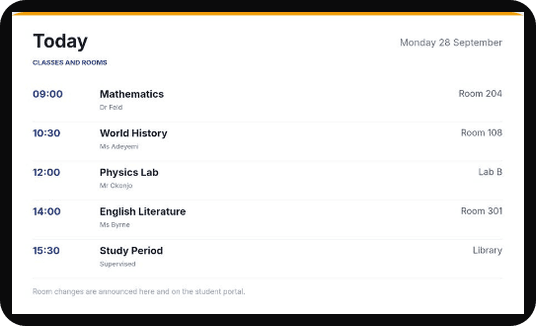
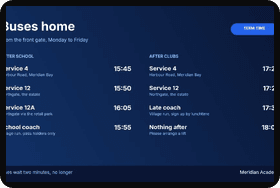
- Show today's timetable, room changes and buses home
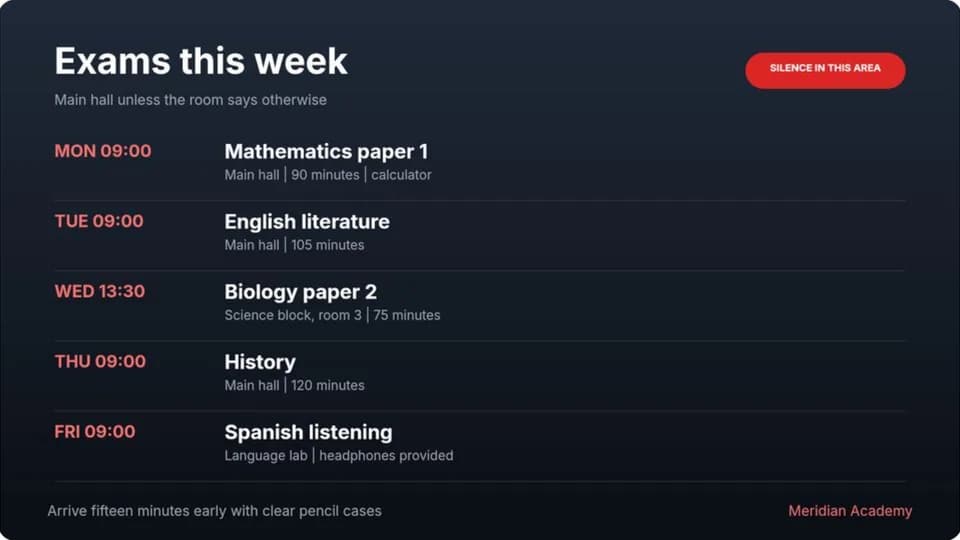
- Count down to exams, deadlines and open days
- Run a ticker with notices along the bottom of any screen
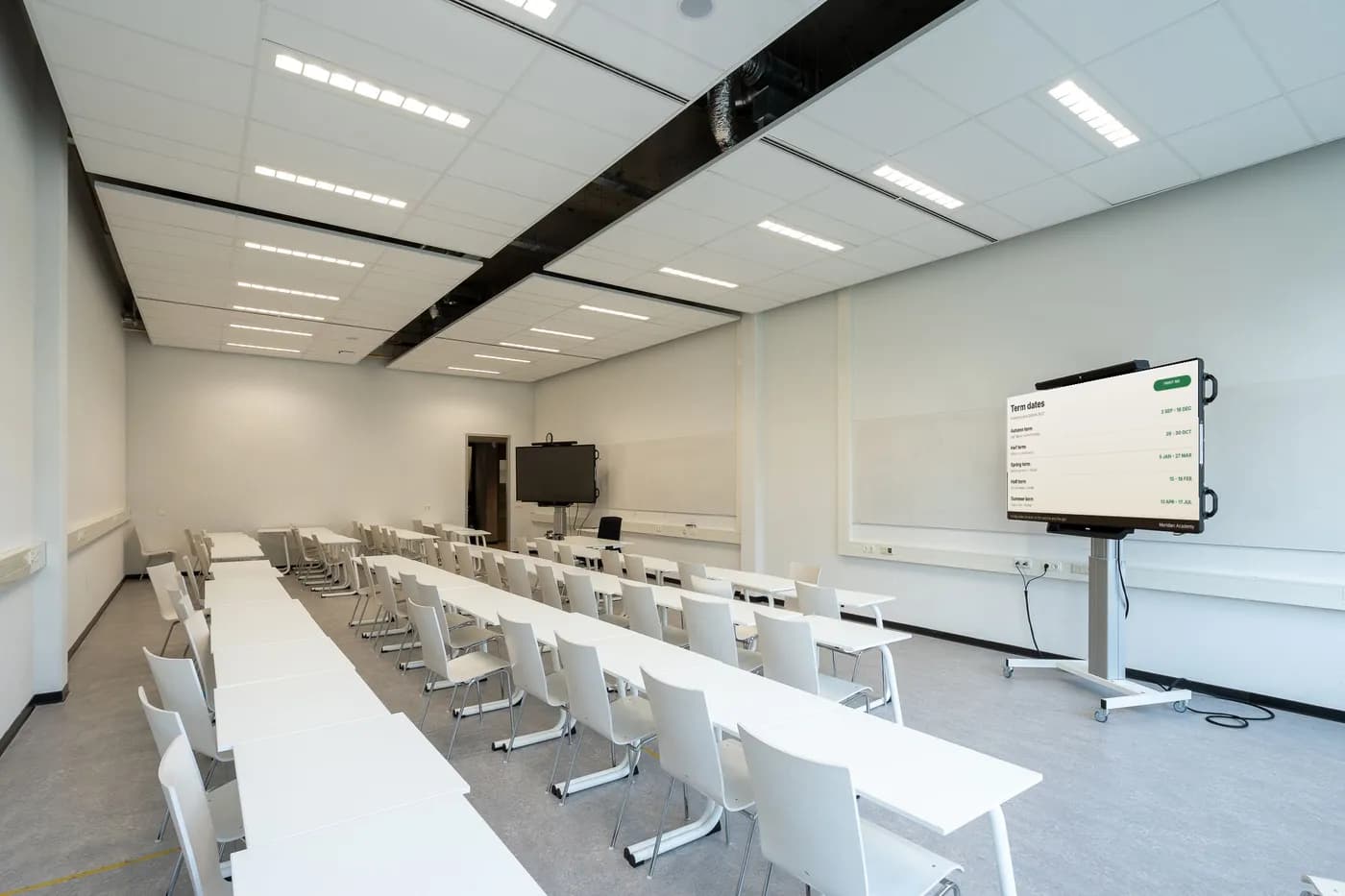
Keep the whole campus on the same page
One update from the office reaches every building, hall and corridor at once.
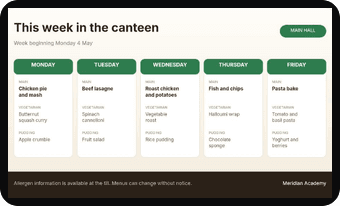
- Publish term dates, library hours and canteen menus everywhere
- Close the school on a snow day with a broadcast on every screen
- Give each faculty or building its own space and its own editors
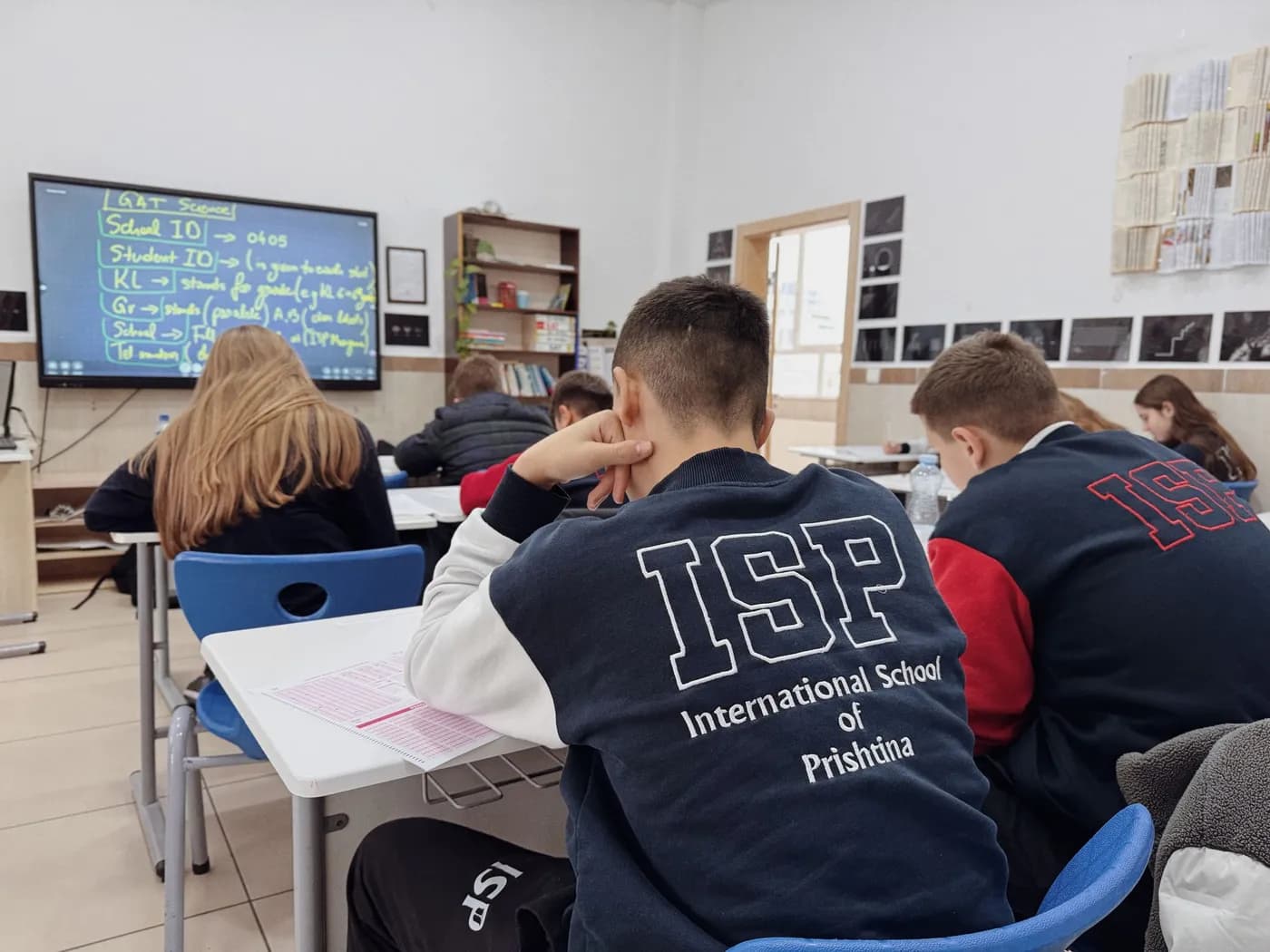
Fill every event, screening and open day
Screens in classrooms, halls and venues that promote what's on next.
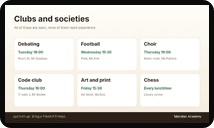
- Promote open days, plays, screenings and clubs
- Celebrate results, graduations and achievements
- Add a QR code to book tickets or sign up, and count every scan
Screenflex supports any screen
Any Hardware
Any OS


Design
Design it once, update it in seconds
Update in seconds
Change a room or a deadline, and every screen follows

Ready-made templates
Start from a professional template made for your business, then make it yours



Platform
Everything in one place
Design Studio
Drag text, images, videos and live apps onto a canvas the size of your screen.
Your designs and media live in the cloud, so you can work from any computer.
Live prices
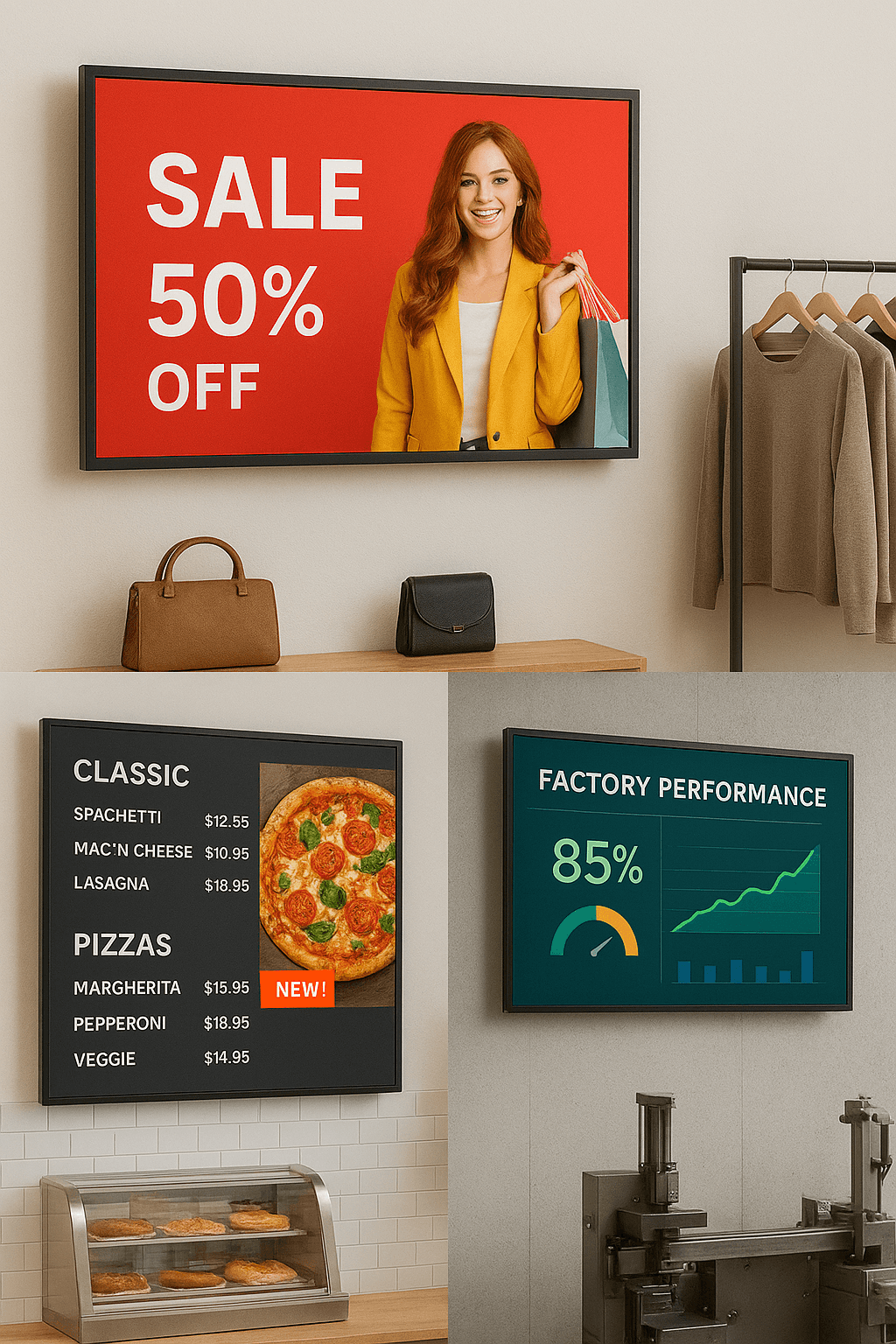
Show your products and prices with the Products app, or connect Odoo so prices come straight from your point of sale.
Change a price once and every screen showing it follows.
Every location
Give each location, brand or department its own space with its own screens and content.
Send a broadcast that takes over every screen on a channel at once, for up to 12 hours.

Monitoring
See which screens are playing, offline or waiting for an update from one list.
Get an email or chat alert when a screen goes offline, and a proof-of-play report of what actually aired.
Scheduling
Set it once, it runs on schedule
Plan days, weeks or months ahead
Repeat content by time of day and day of the week, and plan holidays and campaigns in advance


The right content at the right moment
Automatically



Teams
Built for teams and multiple locations
Give everyone on your team the right access
Admins
Managers
Creators

One brand, every location
Unified brand
Multiple locations

Reliability
Reliable, even when the internet isn't


Cloud-based, with nothing to install or maintain
Cloud hosted


If your connection drops, your screens keep playing
Offline playback

Replace printed posters and flyers
No print waste
Can I tell everyone the school is closed?
Yes. Send a broadcast and every screen on the channel switches to the playlist you pick, right away, for anything from 5 minutes to 12 hours, then goes back to its schedule on its own. Only people with broadcast permission can send one.
Send a broadcast

Can screens follow the school day and the term?
Yes. Schedule content to repeat by time of day and day of the week, for example the timetable at registration, the canteen menu at lunch and buses home at 15:00. Campaigns such as exam week take over for their dates and step back when they end.
Learn how to schedule your screens
Can students see each other's information?
Only show what is fine for everyone to see: timetables, room changes, events and notices, never personal details or results by name. Your designs and media stay in your Screenflex account, and only the people you give access to can change what plays.
We have several buildings or campuses. Can each run its own screens?
Yes. Give each building, faculty or campus its own space with its own screens and content, let each team update only their own screens, and send school-wide notices to every space at once.
Organize your sites with spaces
What happens if the network drops?
Your screens keep playing. Each screen saves its designs, videos, images, PDFs and fonts on the device and plays that copy until the connection is back, then picks up your changes. You can also get an email when a screen has been offline for a while.
Which screens and players can I use?
Most smart TVs and commercial displays. Screenflex has players for Android, Windows, Samsung Tizen, Amazon Fire OS and Raspberry Pi, so you can often use the screen you already have.
Choose a device
Do I need a designer?
No. Start from a ready-made education template, such as today's timetable, exam timetable, term dates, buses home, canteen menu or open day, then change the text, times and photos in the Design Studio. Your school colours, fonts and logo are saved once and ready in every design.
How much does it cost to start?
Your first screen is free forever, with no card needed. Subscribe when you're ready to add more screens and remove the watermark. Prefer a guided tour? Book a demo.
See pricing
Resources

Watch - 6 min video
Discover How Screenflex Works
See how easy it is to bring your first screen live in minutes.
Articles
Guides and ideas to get more from your screens



Documentation
Here you will find all of the available documentation