Everything you need to run your screens in one place
Design in your browser, add live apps, schedule what plays and when, and keep every screen in check from one dashboard. No design skills or special hardware needed.
Your first screen is free forever. Try Screenflex

A design studio made for screens
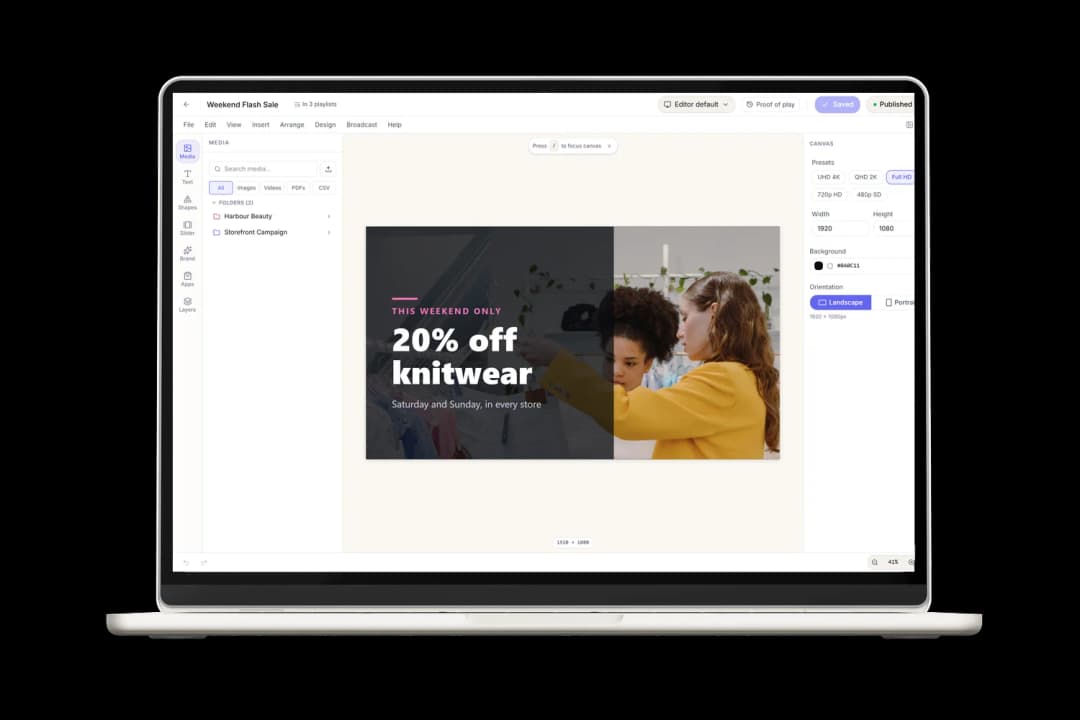
Everything you put on a screen starts in the Design Studio, right in your browser. Nothing to install, and a tablet works too.
Design eye-catching screens in minutes
Drag your photos and videos onto the canvas, type your text and you're done. No design skills needed.
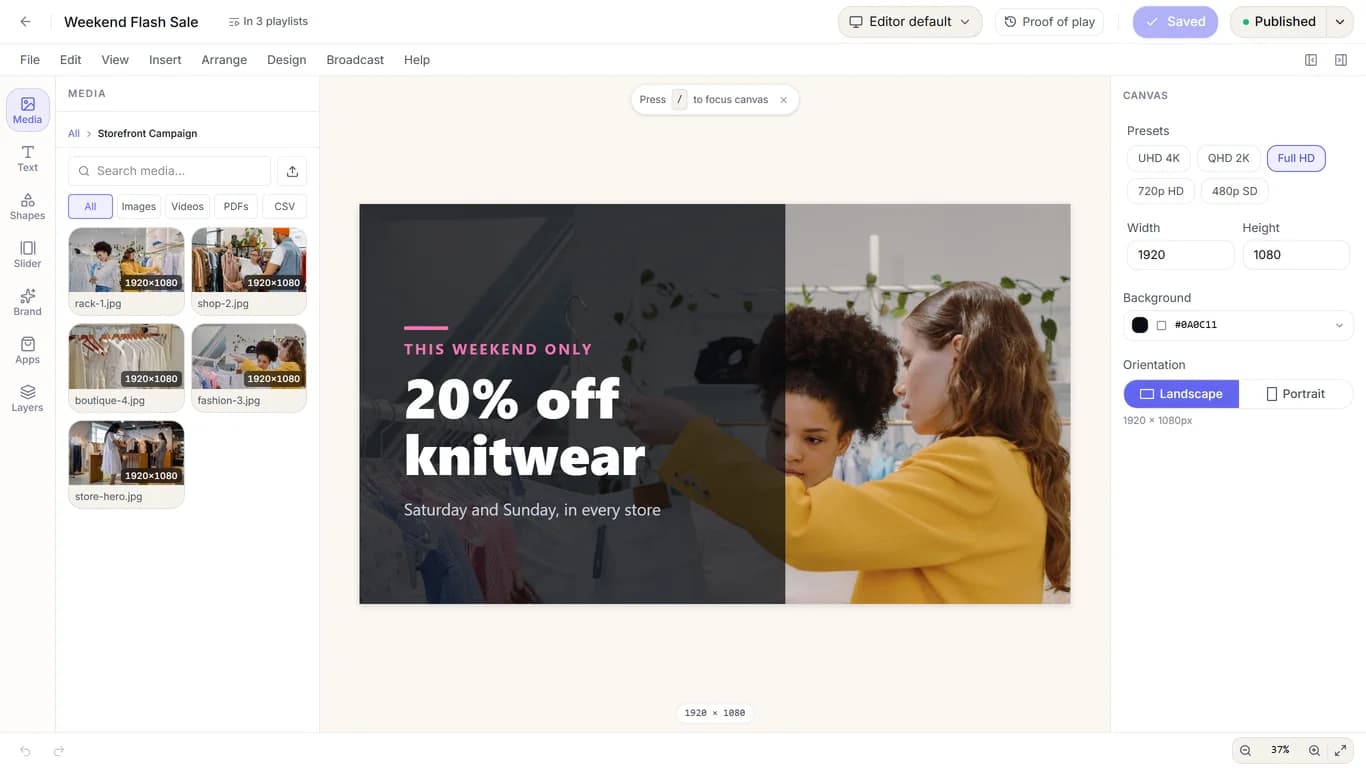
Drag and drop: drop images, videos, text and shapes onto the canvas, or click to add them.
Any screen shape: switch between landscape and portrait, or 4K, Full HD and HD, and your elements rearrange to fit.
More than pictures: add PDFs, slideshows, tables and charts from a CSV file, and more than 15 shapes, with gradients and full control over fonts.
Your brand, saved once: keep your colours, logos and fonts (your own or from Google Fonts) ready in every design.

THIS WEEKEND ONLY
20% offknitwear
Saturday and Sunday, in every store


THIS WEEKEND ONLY
20% offknitwear
Saturday and Sunday, in every store
THIS WEEKEND ONLY
30% offknitwear
Saturday and Sunday, in every store
Front Window
THIS WEEKEND ONLY
20% offknitwear
Saturday and Sunday, in every store
THIS WEEKEND ONLY
30% offknitwear
Saturday and Sunday, in every store
Checkout
THIS WEEKEND ONLY
20% offknitwear
Saturday and Sunday, in every store
THIS WEEKEND ONLY
30% offknitwear
Saturday and Sunday, in every store
Fitting Rooms
Change it once, every screen follows
Fix a price or swap a photo and the change goes out to every screen showing that design. No USB sticks, no visits to each screen.
Over the air: screens download your changes on their own and show them as soon as they're ready.
Saved as you go: the studio saves automatically, so nothing is lost if you close the tab.
No surprises: before you edit, you see which screens and playlists are using the design right now.
Edit together: see who else is working on a design, with their cursor and selection live on the canvas.
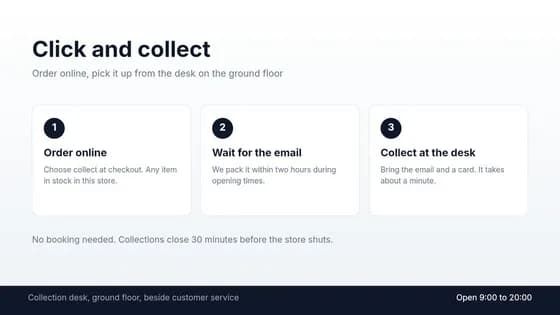
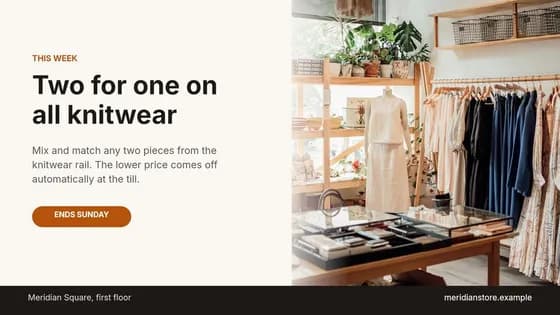
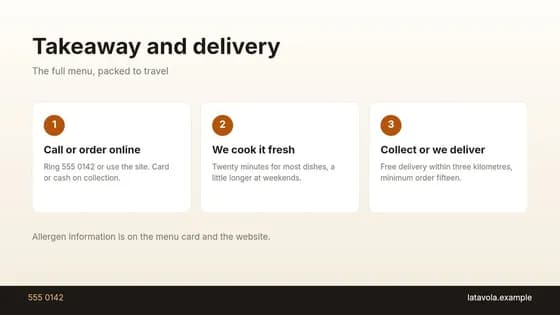
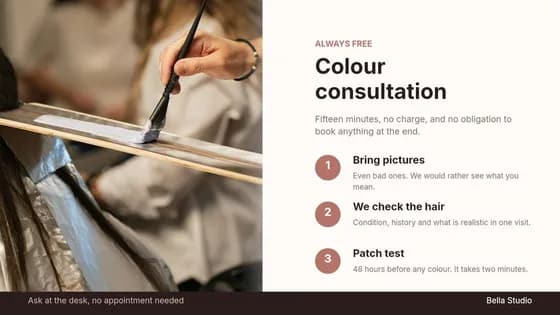
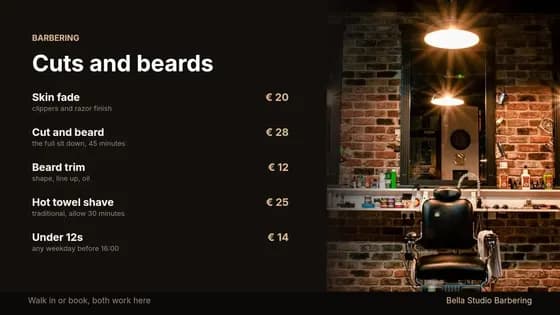
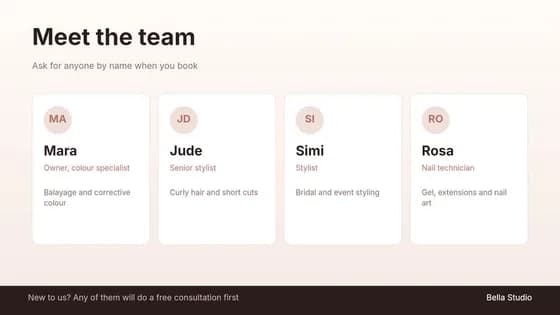
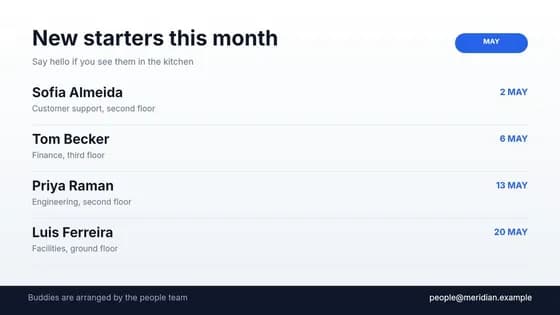
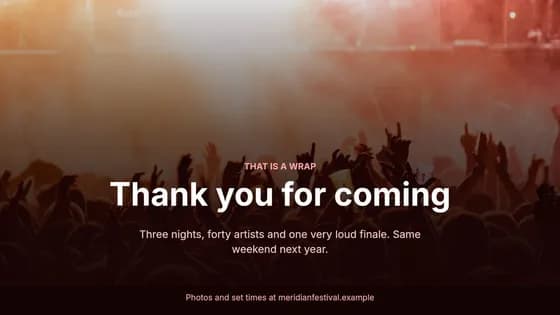
Ready-made templates for every business
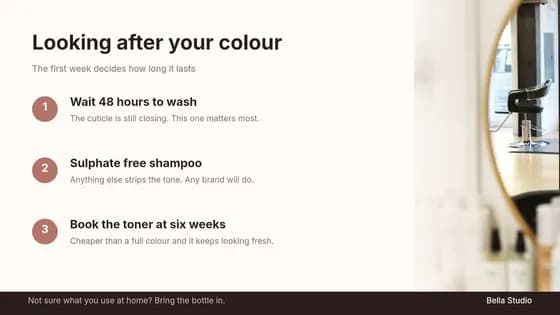
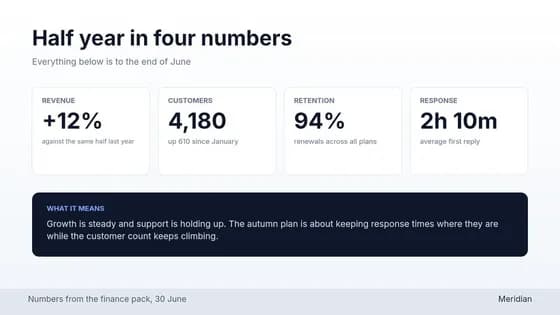
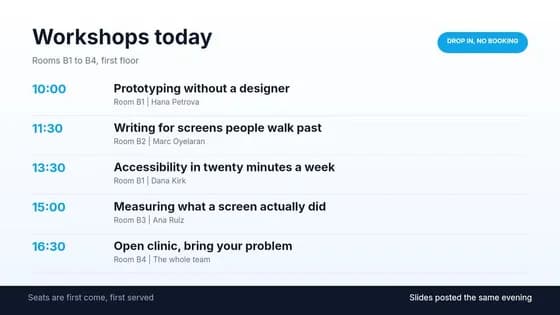
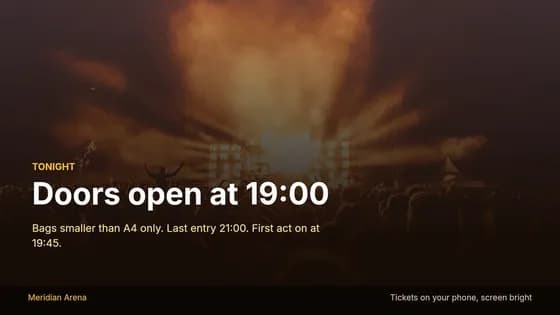
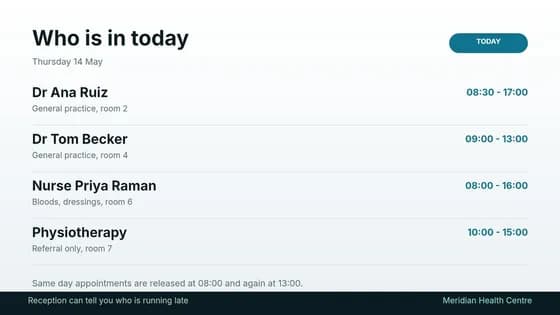
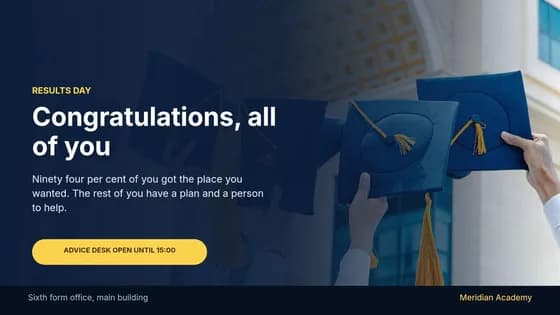
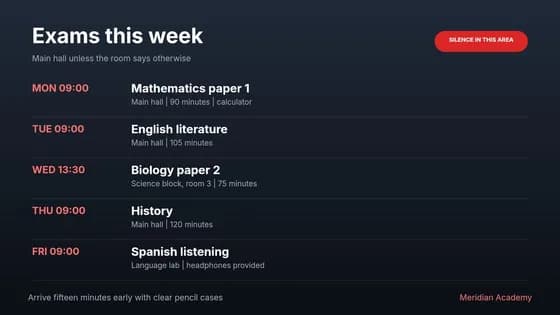
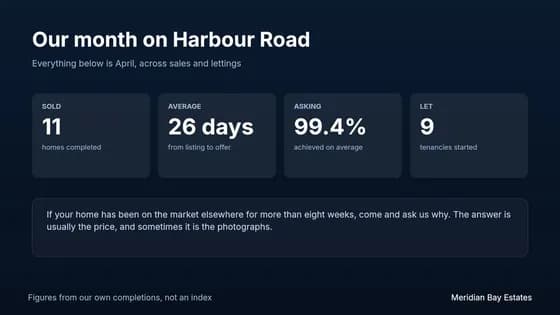
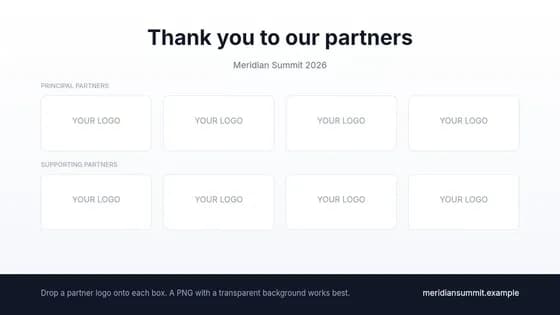
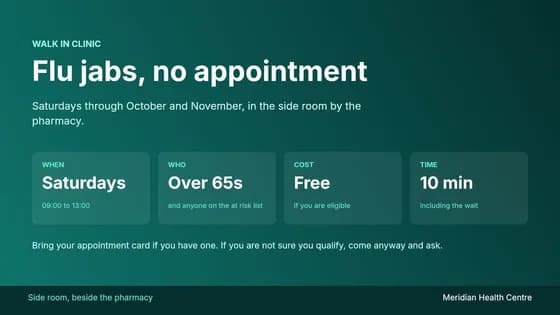
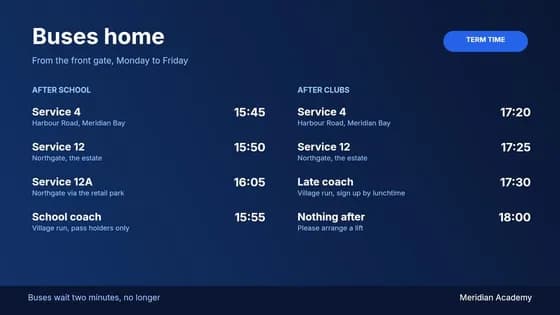
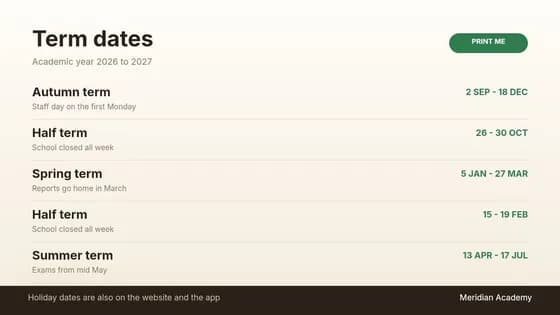
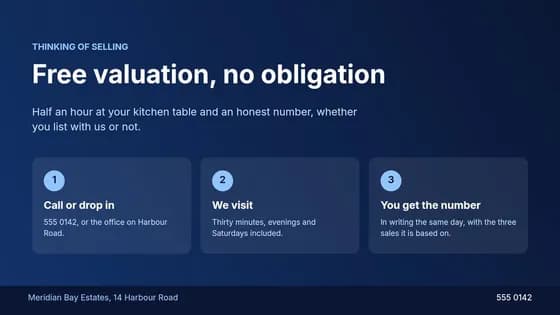
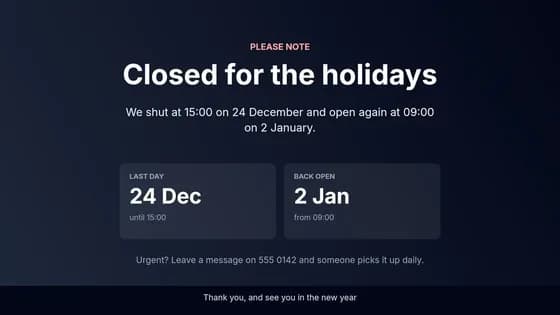
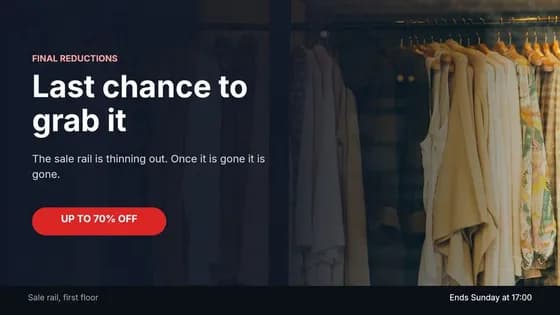
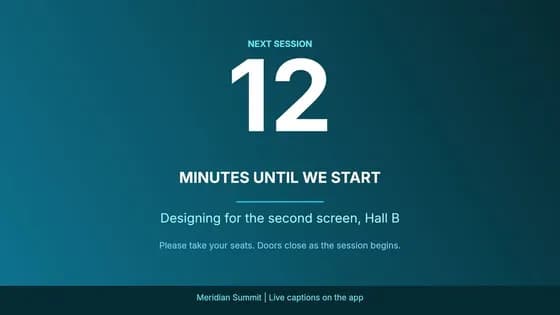
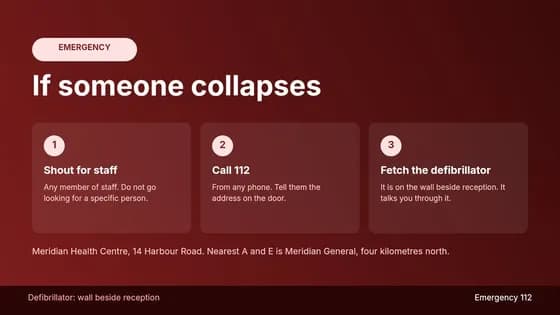
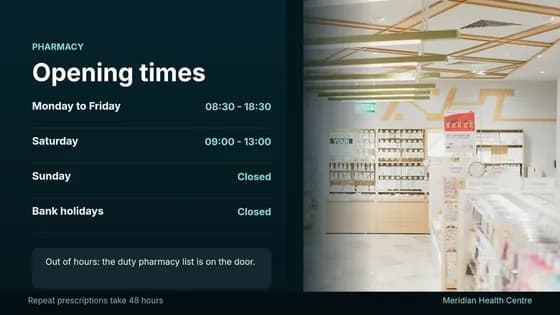
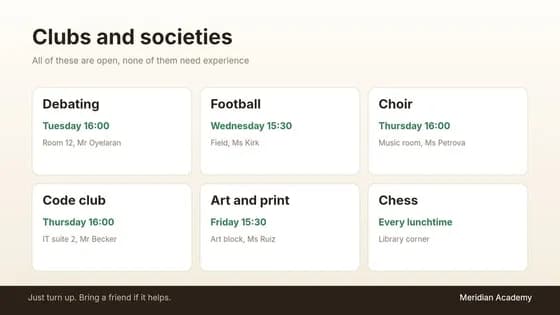
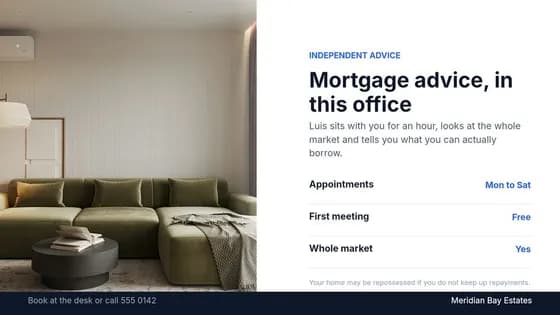
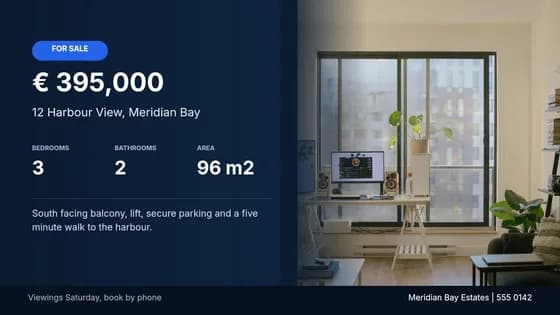
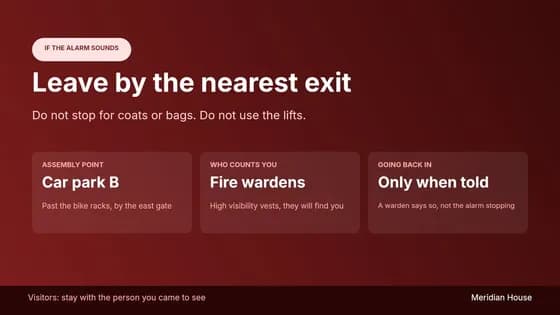
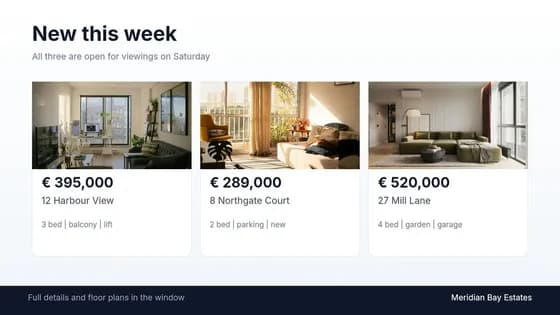
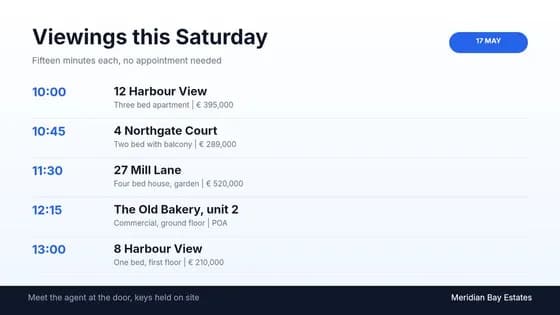
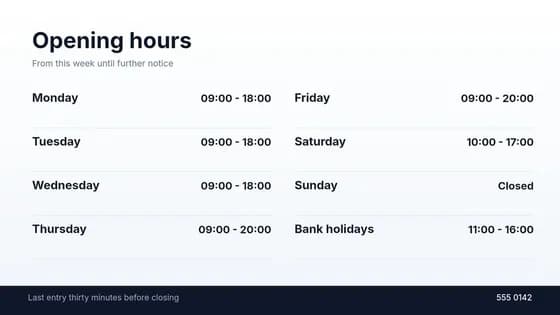
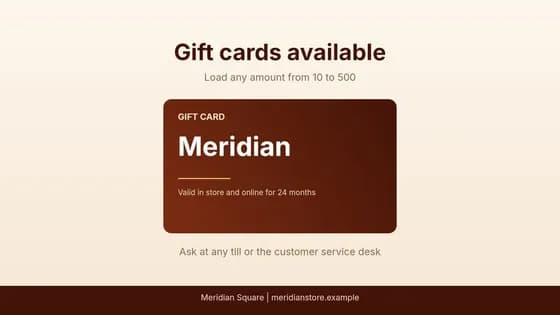
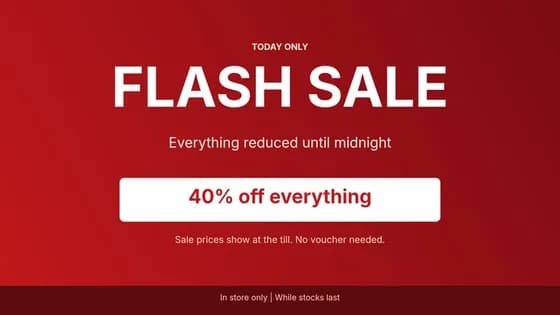
Menus, offers, welcome screens, opening hours, safety notices and more, for retail, restaurants, beauty, offices, events, healthcare, education and real estate. Pick one, change the words and photos, and it's yours.

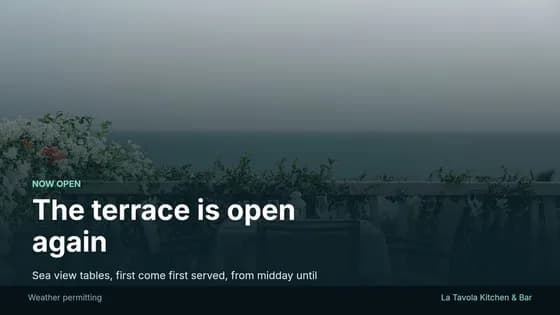
Live apps and interactive screens
Add apps to any design and your screens stay up to date on their own.
Live information
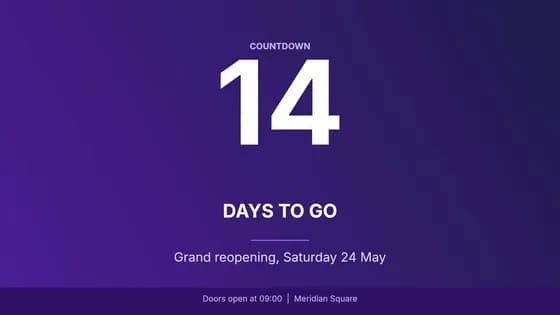
Clocks, world clocks, countdowns, weather, air quality, UV, currency rates and scrolling tickers. Weather and time follow each screen's own location.
Google Workspace
Show Google Slides, Sheets, Docs, Calendar, Maps, Forms and Looker Studio dashboards, straight from their share links.
Web pages, videos and news
Embed YouTube videos, RSS news feeds and web pages from addresses you approve.
Touch and QR codes
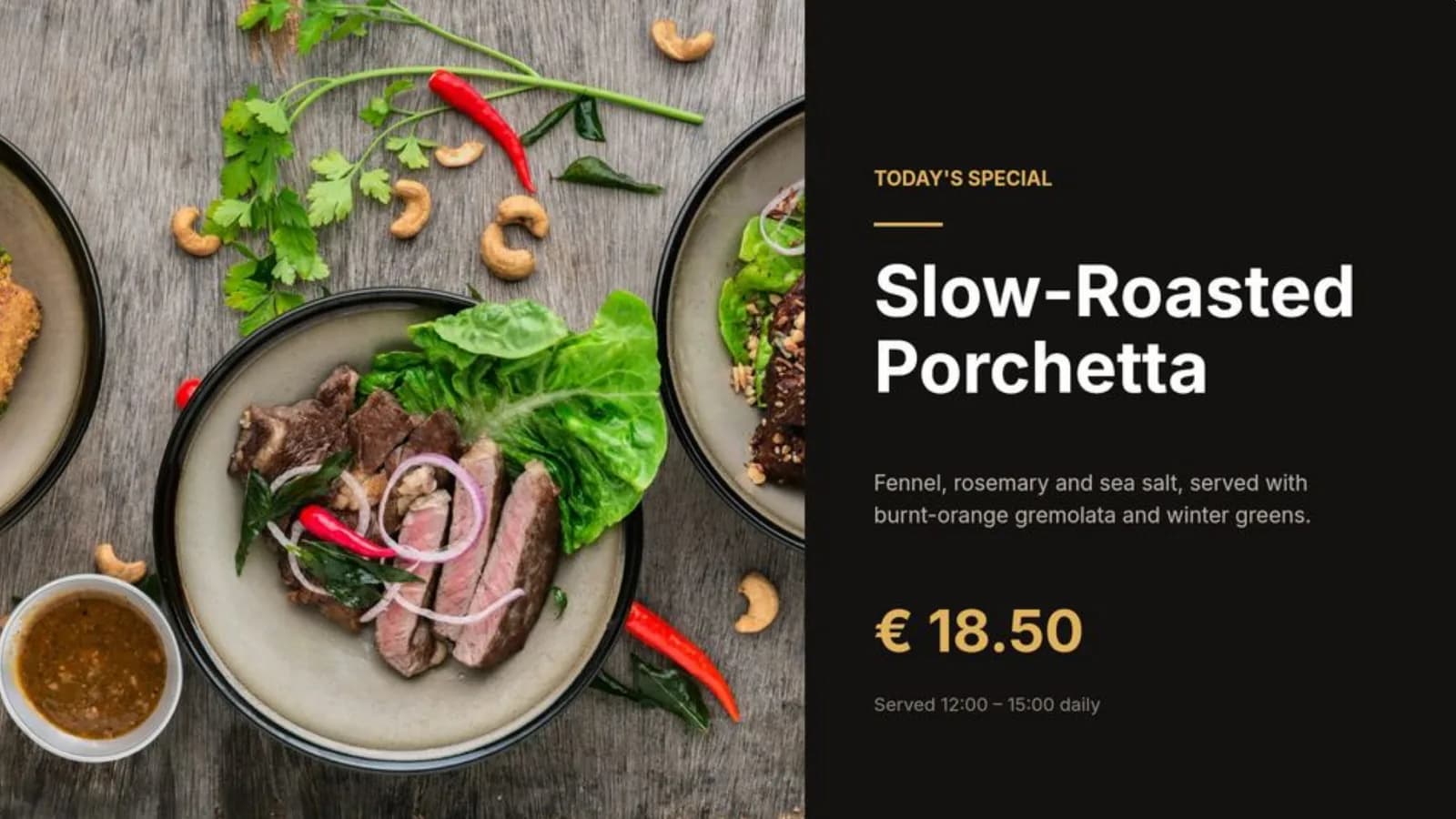
Let people browse an embedded page or open a popup on a touch screen, and track how often each QR code is scanned, screen by screen.









Every screen under control, from anywhere
See what each screen is doing and fix it from your desk, whether you have one screen or hundreds.
Remote commands
Reload, restart, switch channel, clear the cache or show a message on any screen, without being there.
Live preview
See a live picture of what a screen is showing right now, with its device details and event log.
Alerts
Get an email, or a message in Slack or your own system, when a screen goes offline or reports an error.
Proof of play
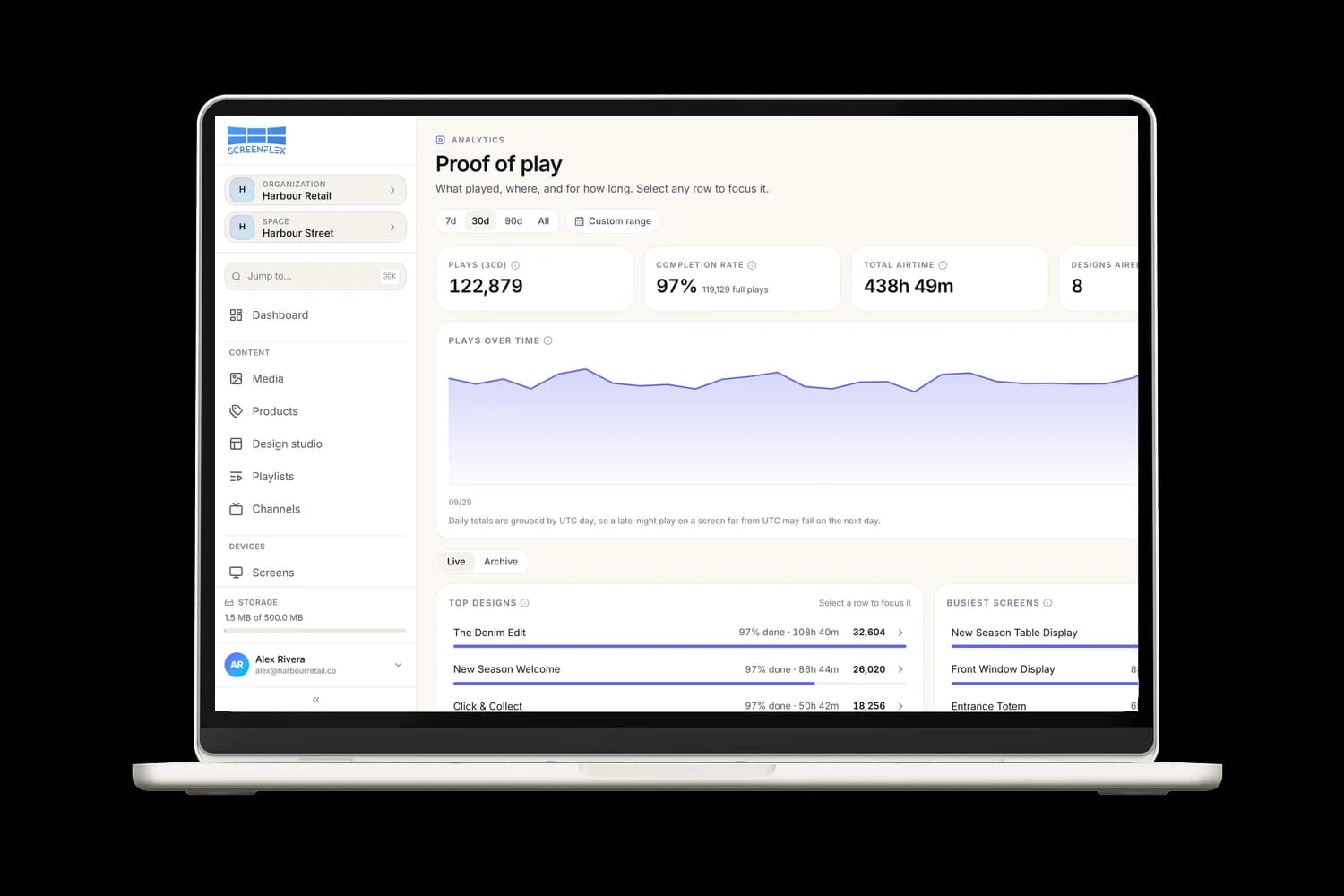
Know what played, where and for how long, with top designs, busiest screens and a CSV export.
Keeps playing, even offline
Each screen saves its designs, videos, images, PDFs and fonts on the device. If the internet drops, it keeps playing that copy, so your customers never see a blank screen.
When the connection comes back, the screen downloads your changes on its own and shows them as soon as they're ready. You can also get an alert if a screen stays offline too long.


The right content at the right time
Plan once and your screens change by themselves, by time of day, day of the week or date.
Dayparts
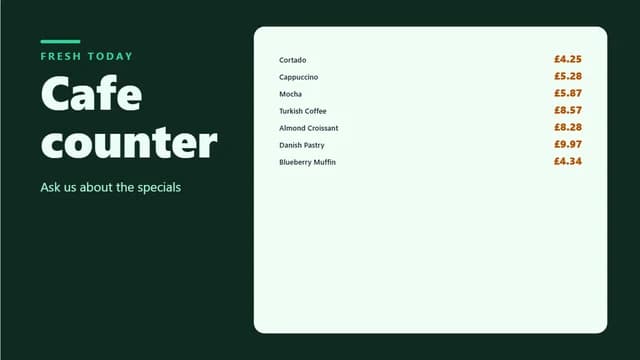
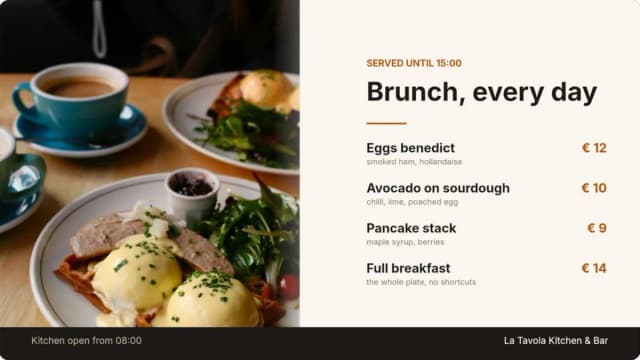
Breakfast in the morning, lunch from 11:00, happy hour at 17:00: each schedule repeats on the days and hours you pick.
Campaigns
Run an offer for a set period and it starts and stops on its own, on top of your everyday content.
Emergency broadcast
Push an urgent message to every screen on a channel in one click. It overrides everything until you cancel it.
Holidays and time zones
Skip public holidays with holiday calendars, and each screen follows its own time zone, daylight saving included.
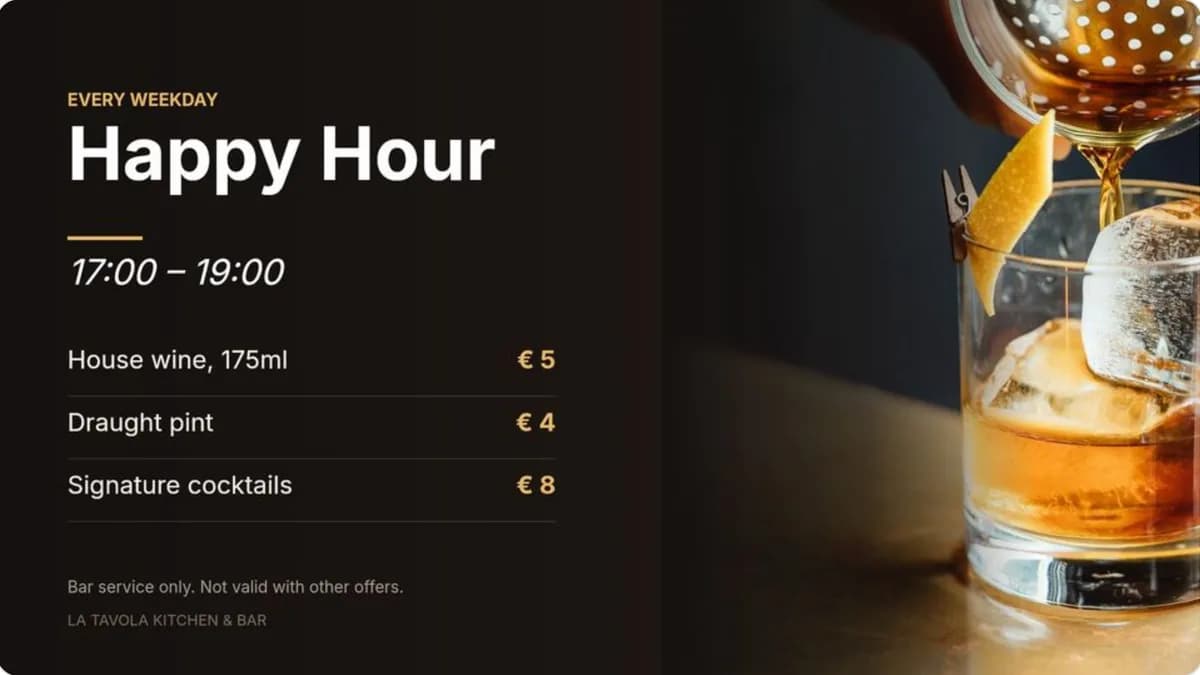
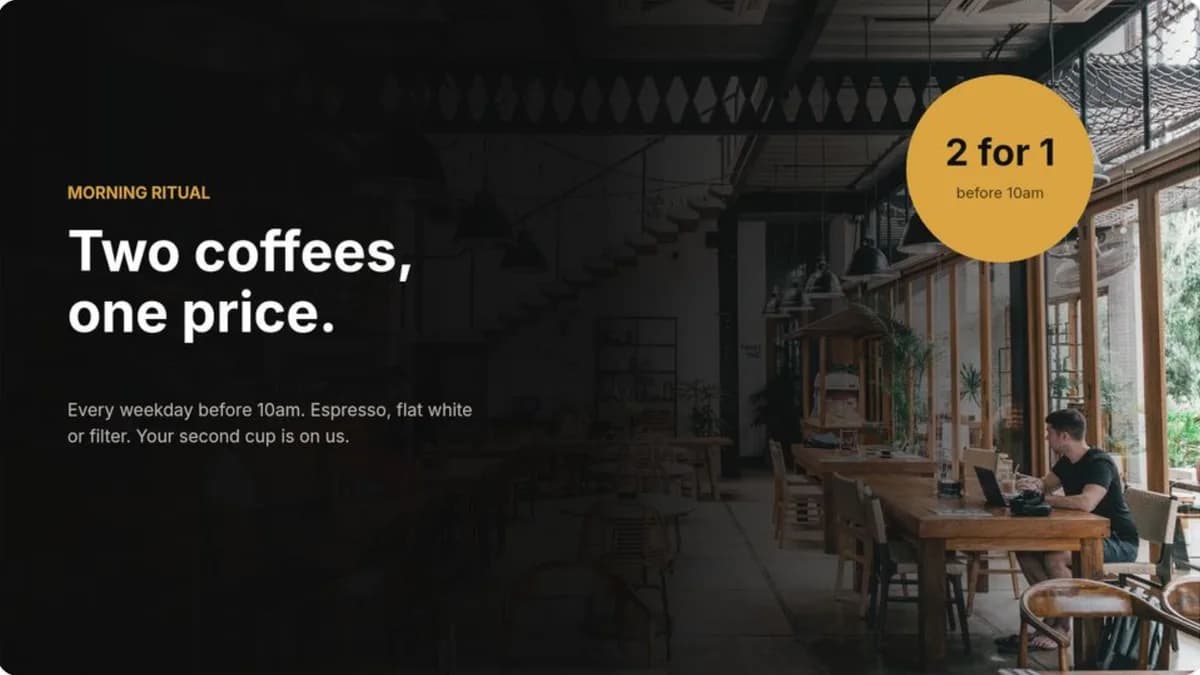
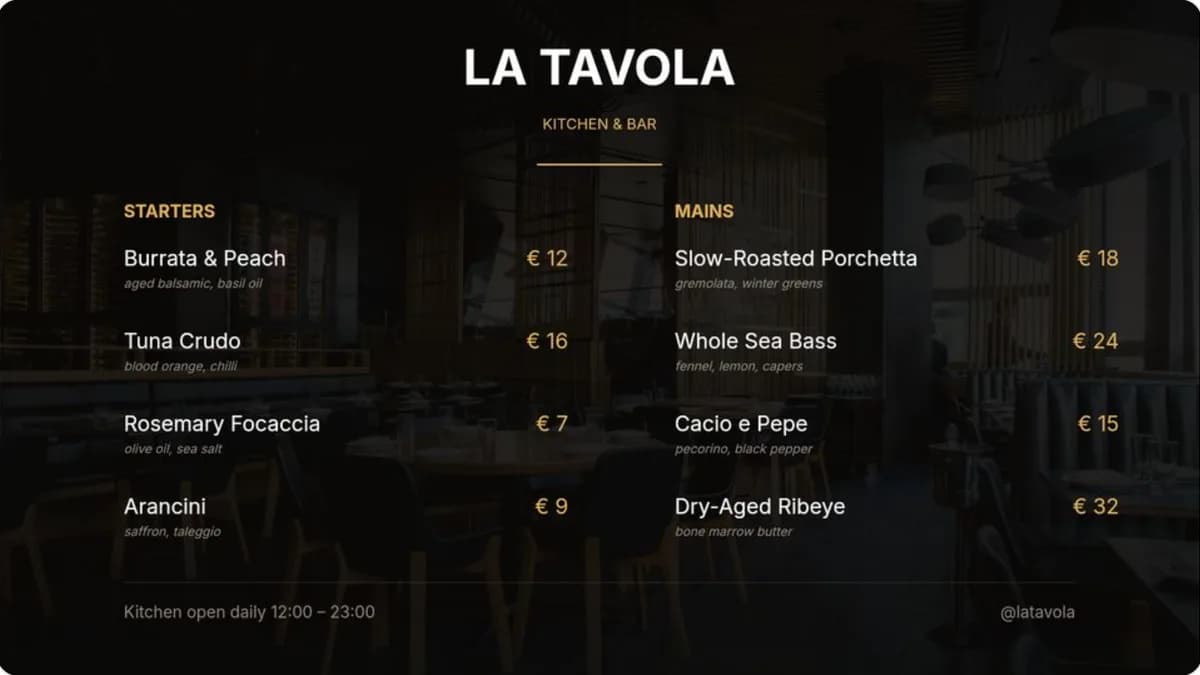
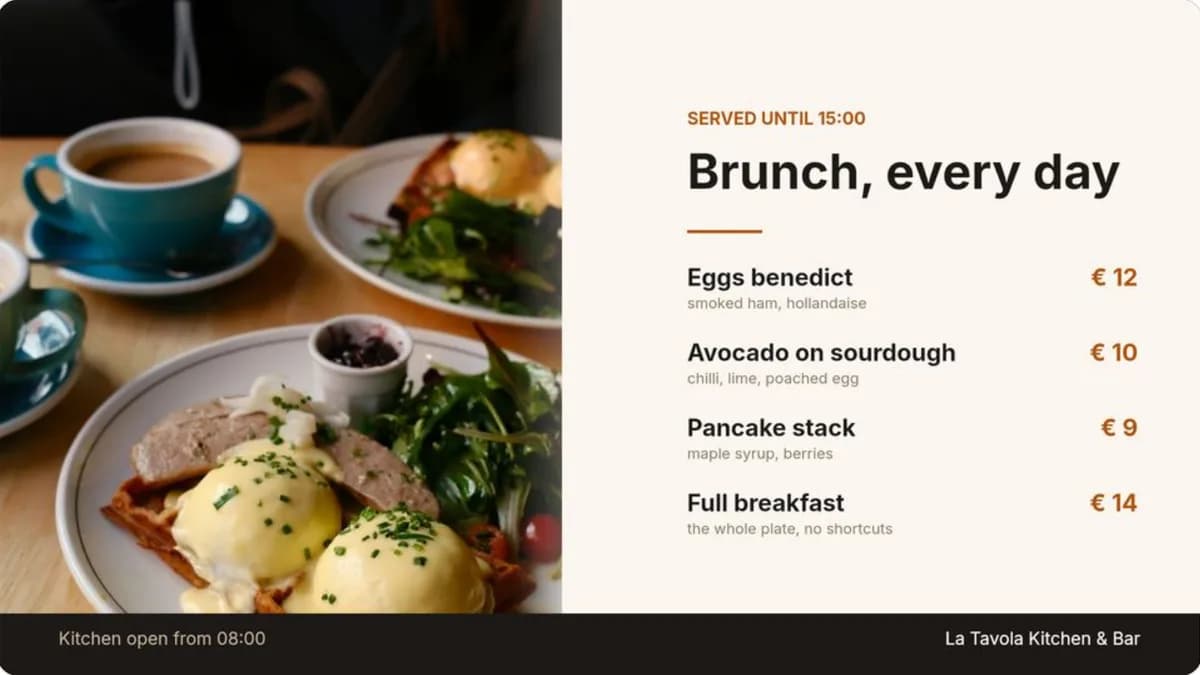
Breakfast menu
Mon to Fri, 07:00 to 11:00
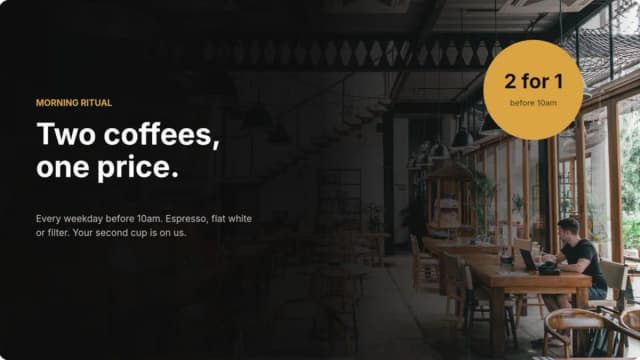
Lunch menu
Mon to Fri, 11:00 to 14:00
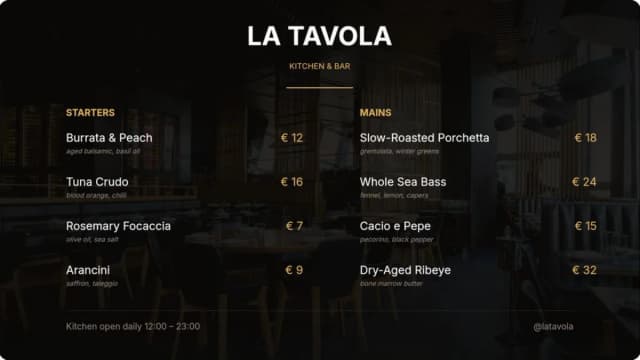
Weekend brunch
Sat and Sun, 09:00 to 15:00
Work as a team with the right access
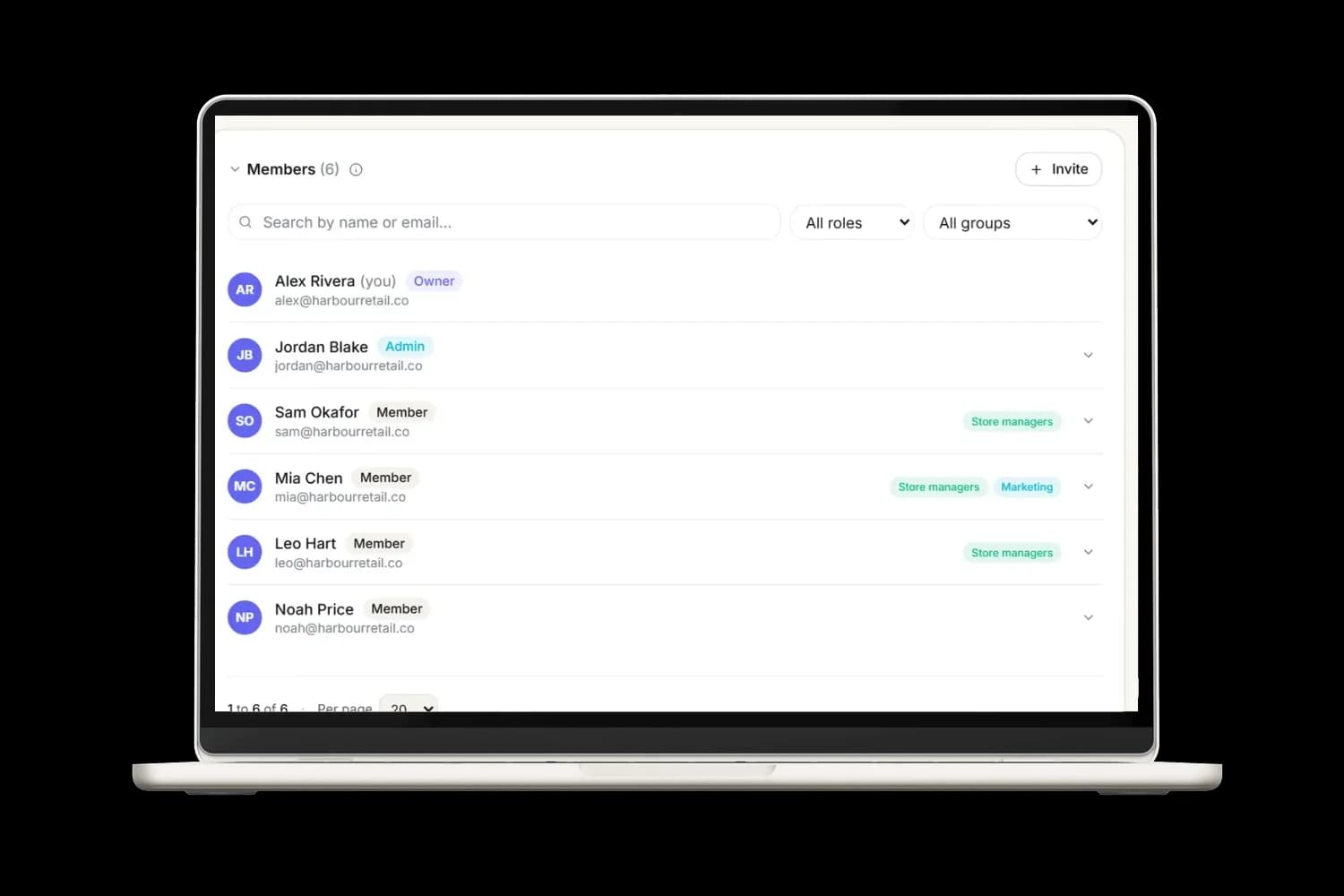
Invite colleagues as admins or members, organise them into groups, and give each location its own space. Store managers change only their own screens, while head office keeps an eye on everything.