How Screenflex Digital Signage Works
Design in your browser, choose when each design plays, and pair any screen with a 6-character code. Change something once and every screen updates by itself.
Your first screen is free forever. Try Screenflex

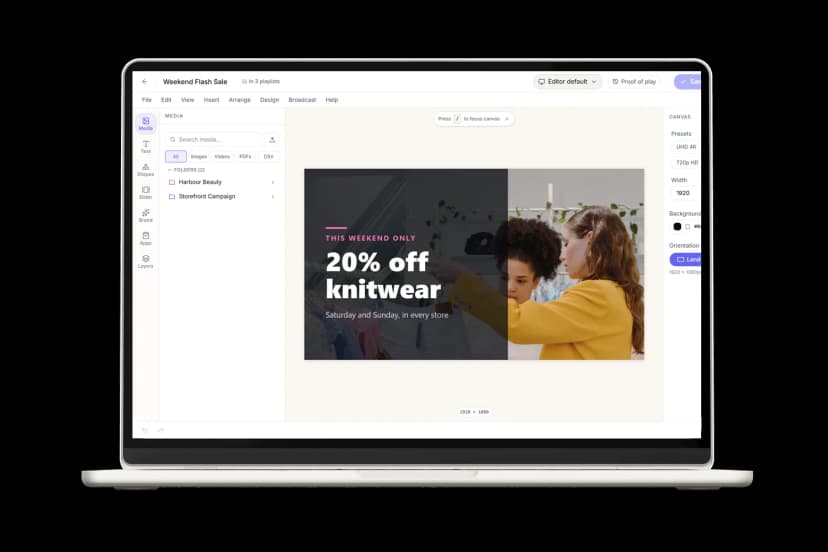
Three steps to your first screen
From a blank screen to live content in minutes

Step 1
Create your content
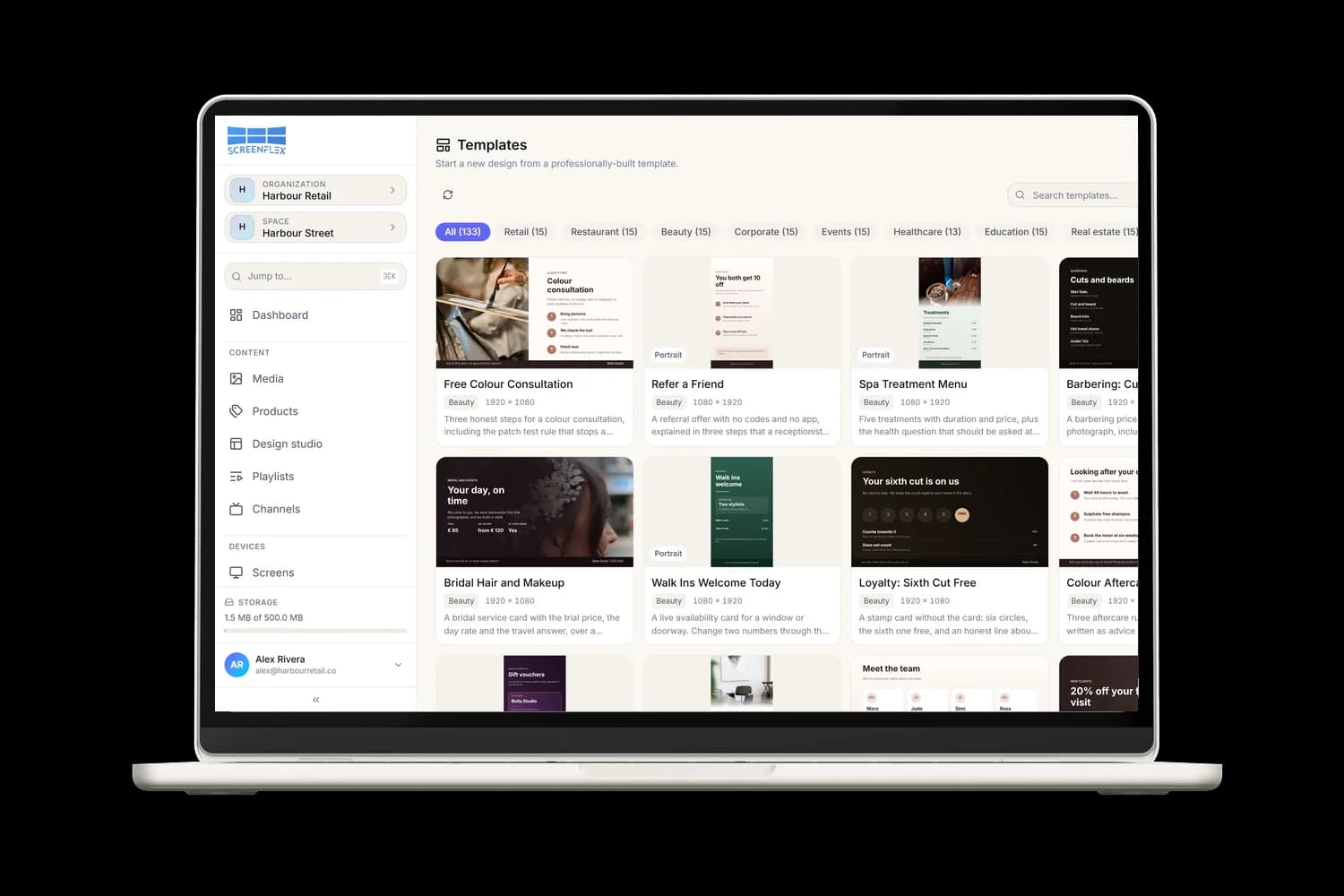
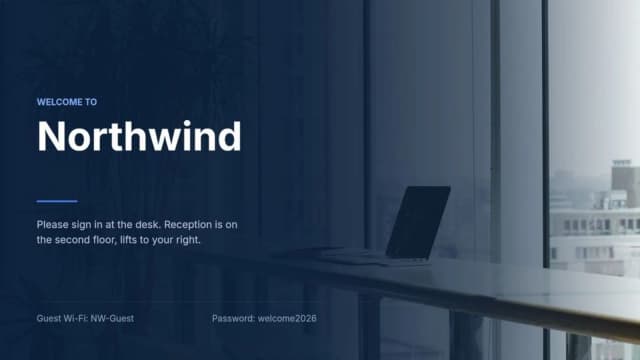
Start from a template or a blank canvas.
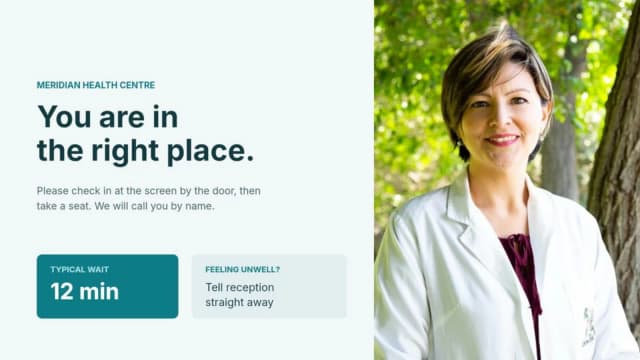
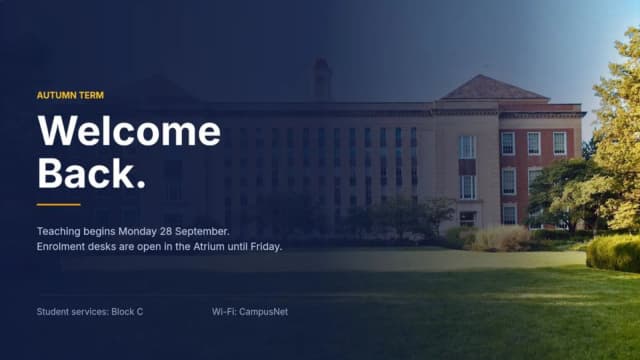
Pick a ready-made template for retail, restaurants, beauty, healthcare, offices, education, events and real estate, or start from scratch in the Design Studio. Change the text, photos and prices, add videos, QR codes and live apps, and save your brand colours, fonts and logo once for every design.
Need more details?
Read the guide



Step 2
Plan what plays
Put your designs in a playlist and let the schedule run your screens.
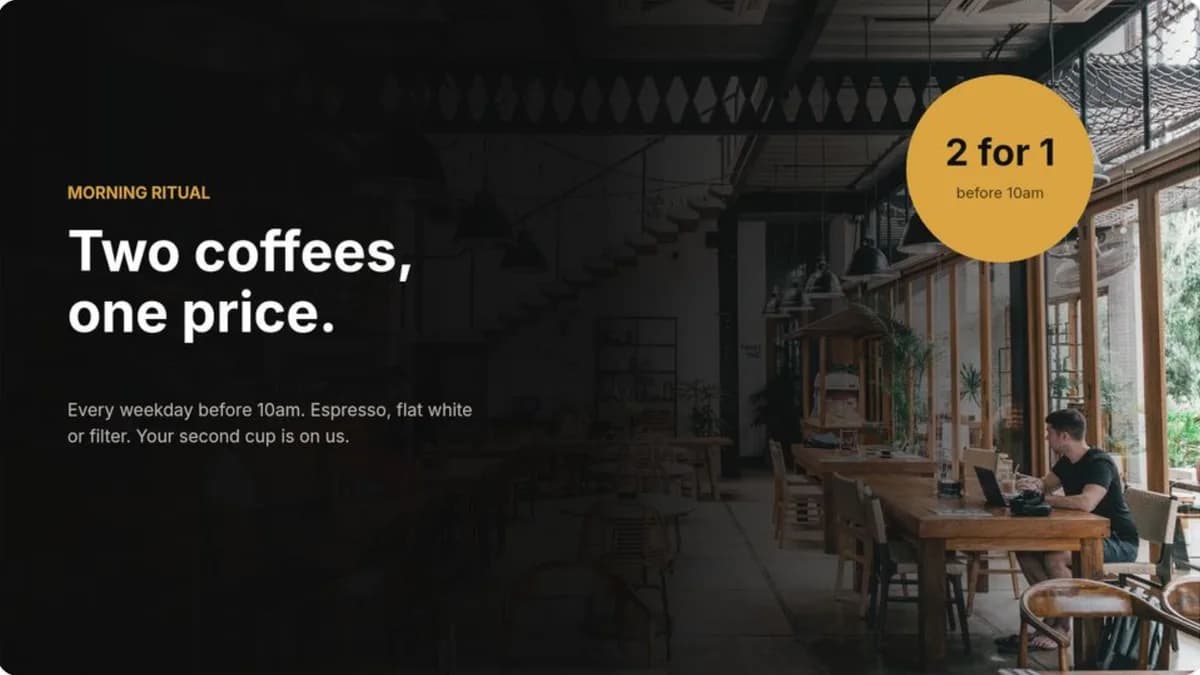
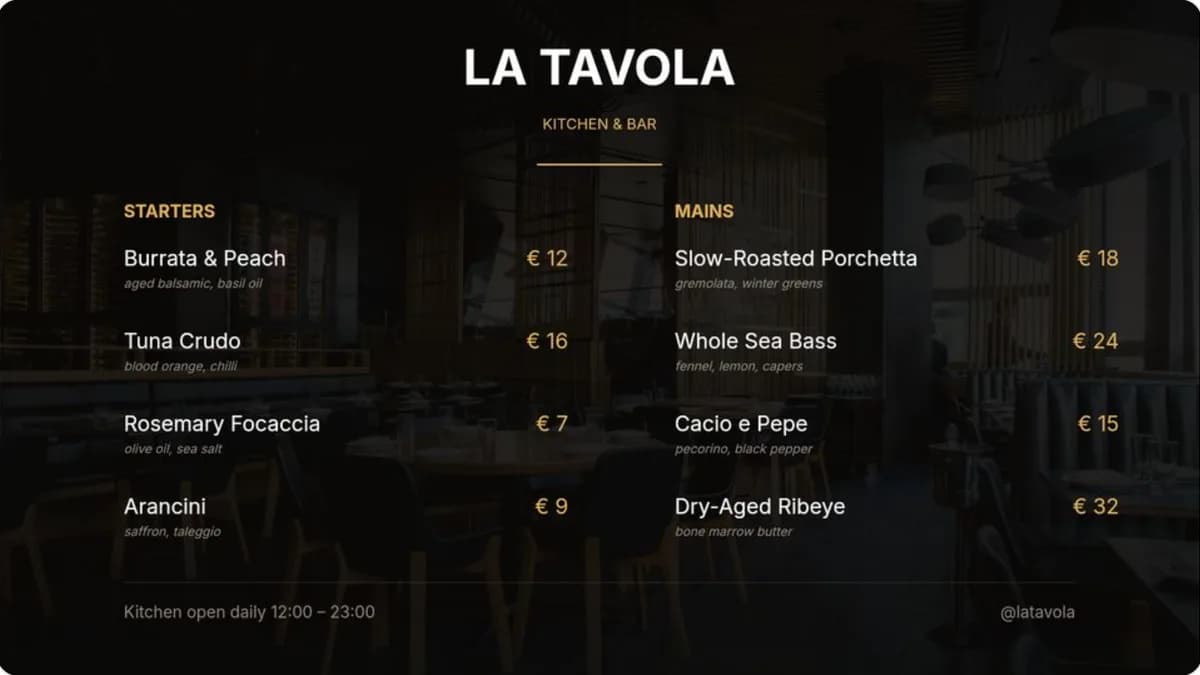
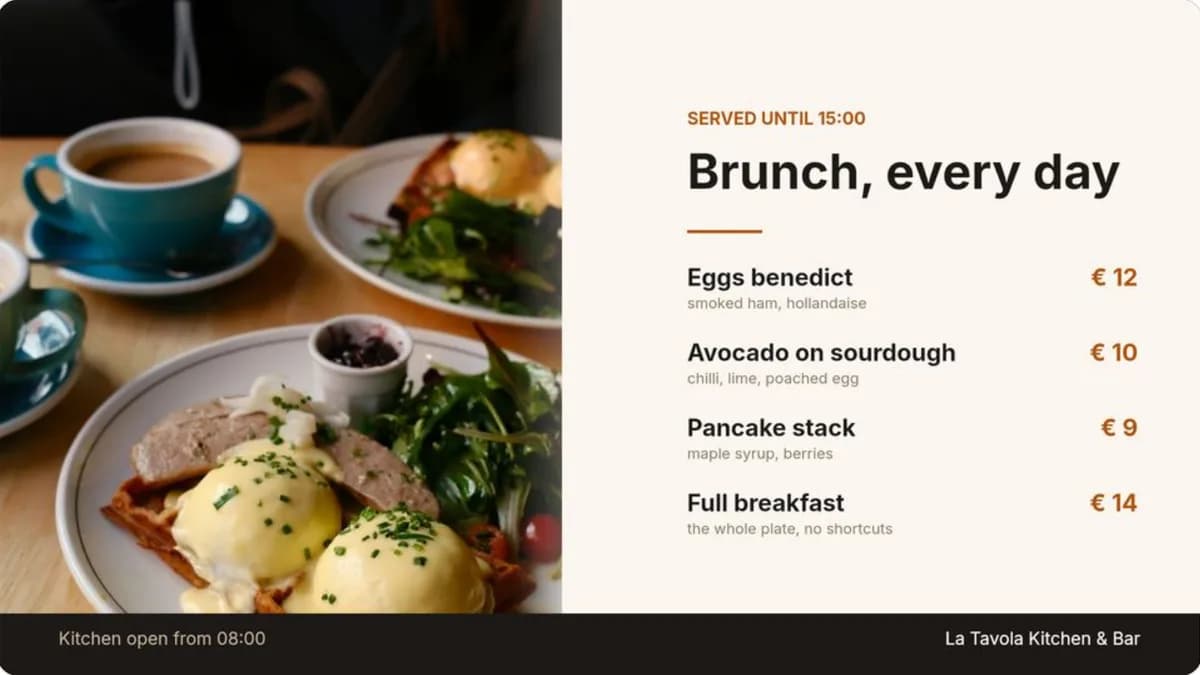
Line up designs and videos in a playlist and set how long each one shows. Then give each channel a schedule: breakfast on weekday mornings, lunch from 11:00, brunch at the weekend. When nothing is scheduled, the channel plays its default playlist, and an emergency broadcast overrides everything in one click.
Need more details?
Read the guide

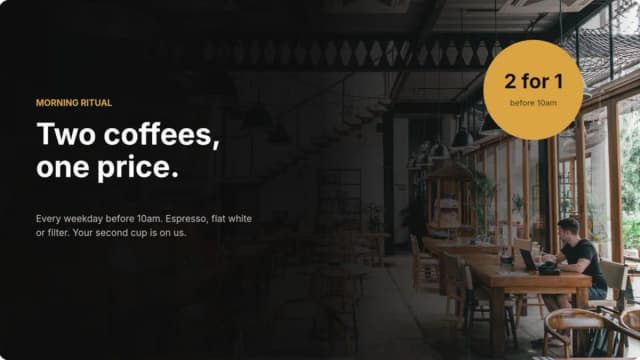
Breakfast menu
Mon to Fri, 07:00 to 11:00
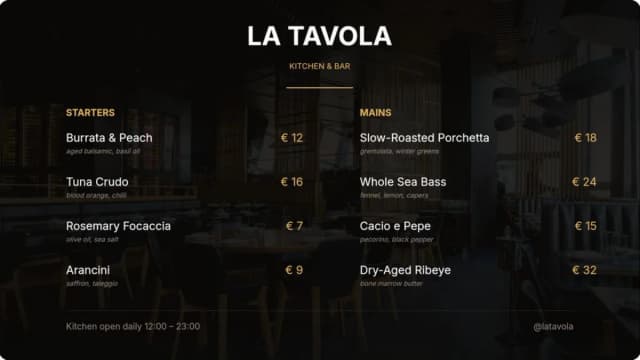
Lunch menu
Mon to Fri, 11:00 to 14:00
Weekend brunch
Sat and Sun, 09:00 to 15:00


Step 3
Go live
Pair a screen with a 6-character code.
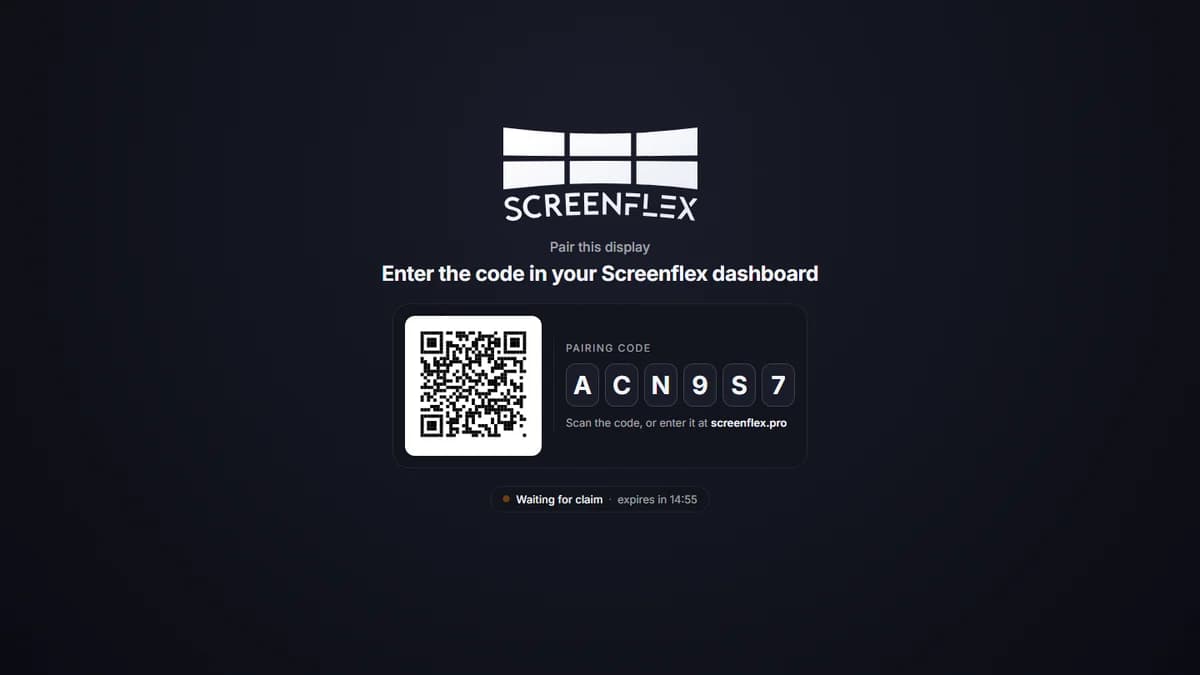
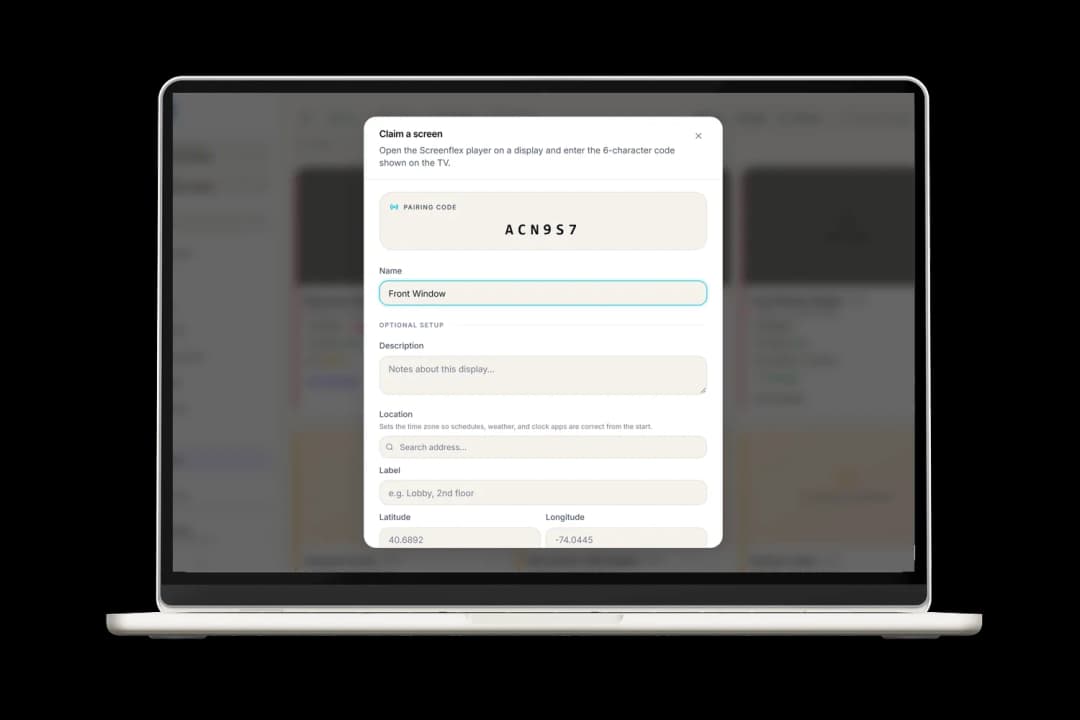
Install the free Screenflex player on the screen you already have, or plug in a ready-to-use Screenflex Player. The screen shows a pairing code: type it in, give the screen a name and a location, then pick its channel. That's it, it's live.
Need more details?
Read the guide


After you go live
Screens that look after themselves
Once a screen is paired, you rarely need to touch it again. Here's what keeps it running.
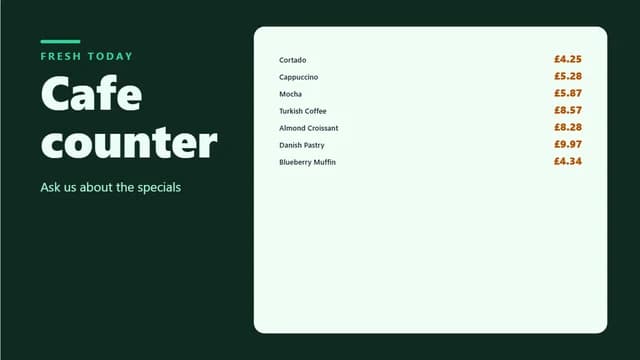
Keeps playing offline
Each screen saves its designs, videos, images and fonts on the device. If the internet drops, it keeps playing and picks up your changes when it's back.
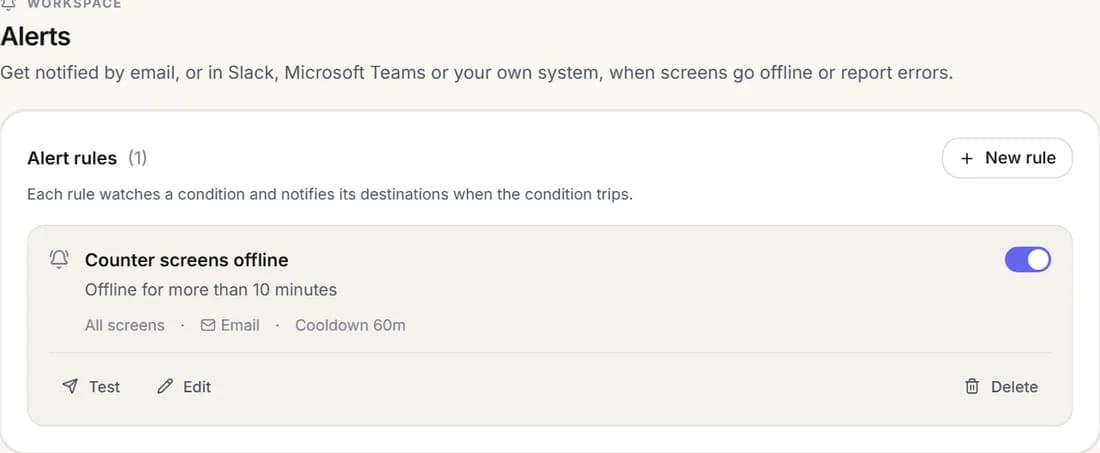
Alerts when something's wrong
Get an email, or a message in Slack or Microsoft Teams, when a screen has been offline for too long or reports an error.
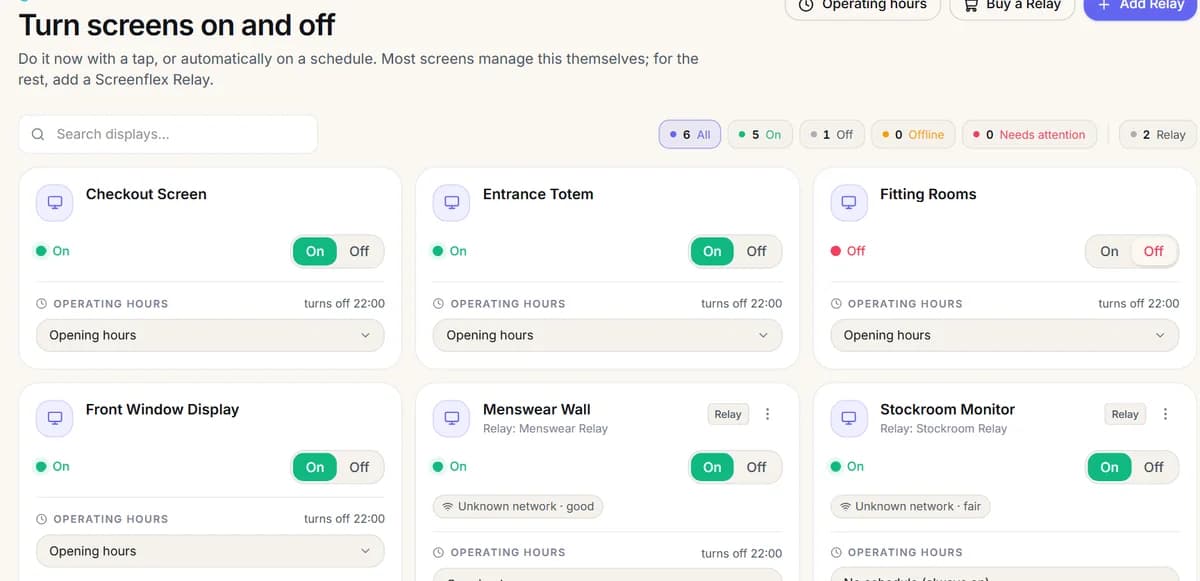
On and off on a schedule
Turn screens on and off with a tap, or set opening hours so they switch off at closing time by themselves.
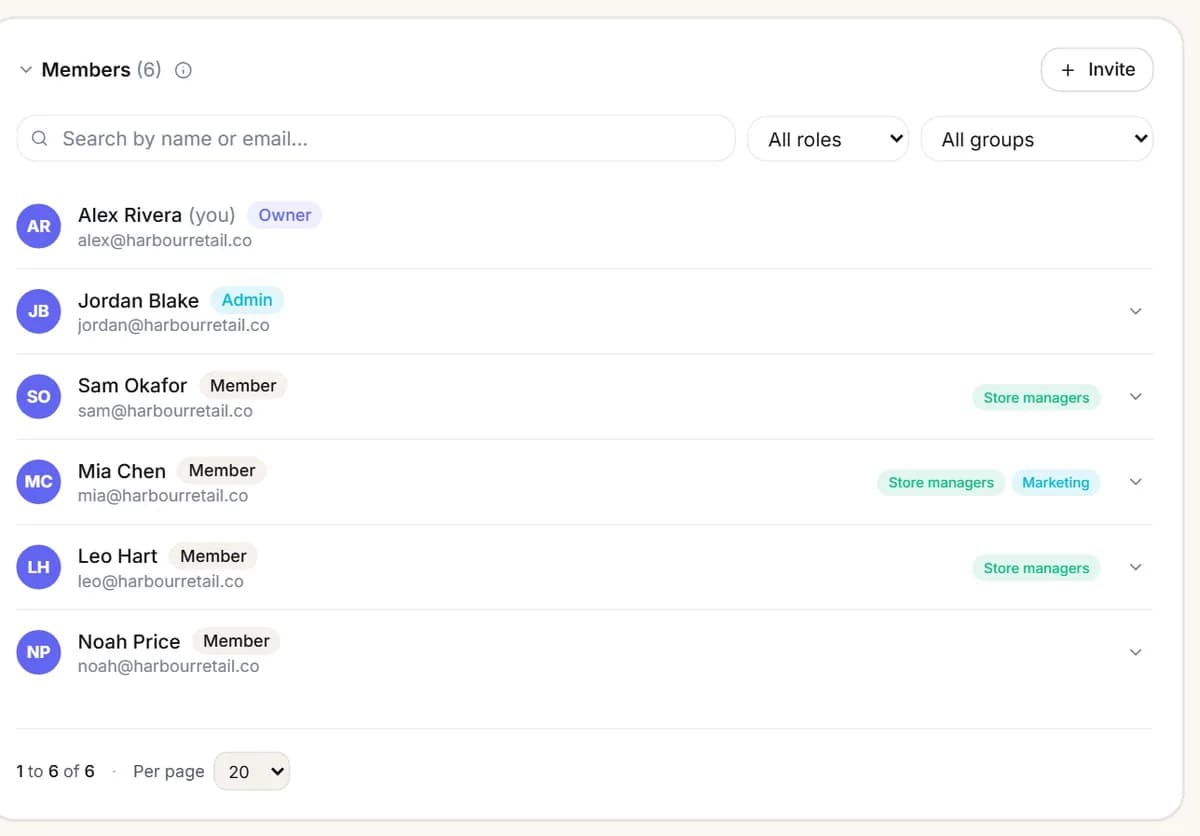
The right access for each person
Invite your team as admins or members and put them in groups, so each store manager changes only their own screens.
Screenflex Works Seamlessly on Any Hardware
Whether you already own the devices or plan to purchase new ones, Screenflex integrates effortlessly for a smooth setup.


Do I need to install anything on my computer?
No. Screenflex runs in your web browser, so you can design, schedule and manage your screens from any computer. Only the screens need the Screenflex player.
How long does it take to get my first screen live?
Usually a few minutes: pick a template, add it to a playlist and pair your screen with its code. Our 6-minute video shows the whole thing from start to finish.
Pair your first screen

Which screens and players can I use?
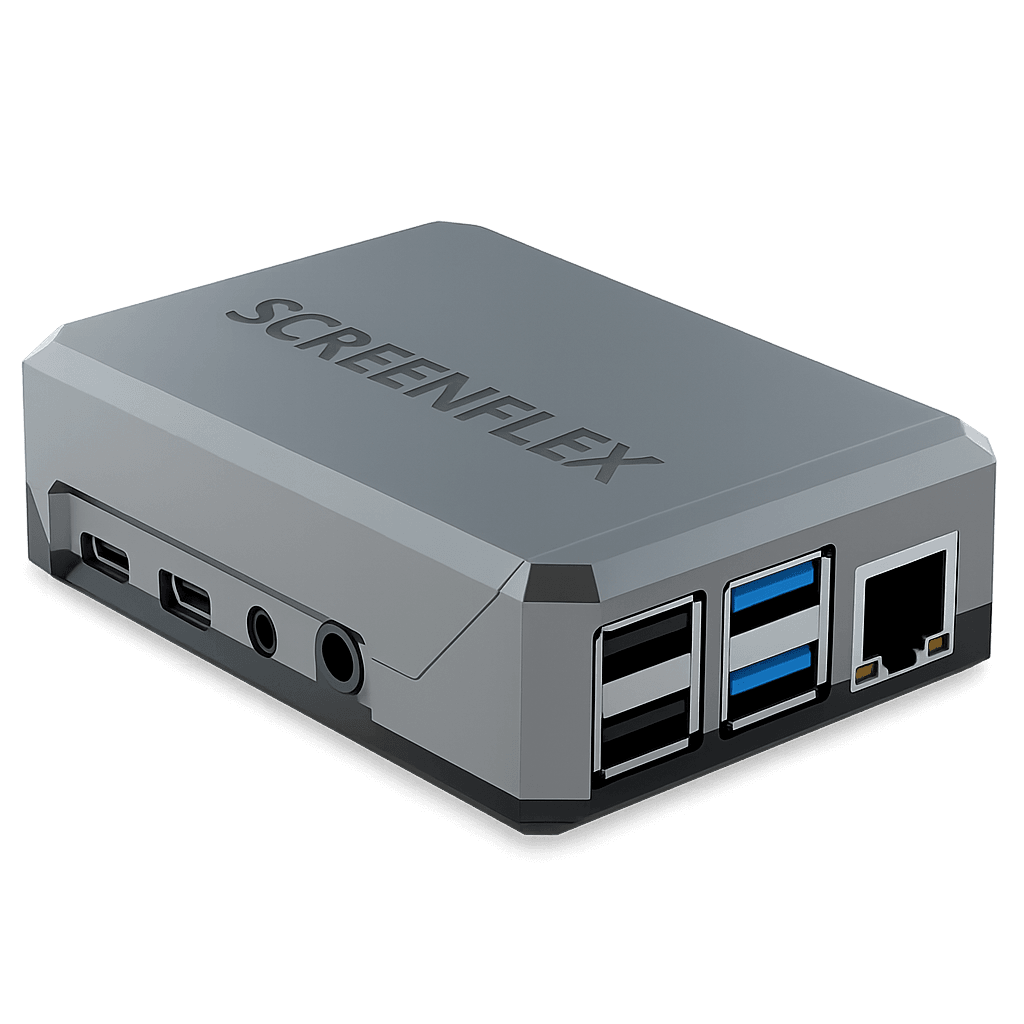
Most smart TVs and commercial displays. Screenflex has players for Android, Windows, Samsung Tizen, Amazon Fire OS and Raspberry Pi, so you can often use the screen you already have. LG webOS and Chromium are coming soon.
Choose a device
What happens if the internet goes down?
Your screens keep playing. Each screen saves its content on the device and plays that copy until the connection is back, then picks up your changes. You can also get an alert when a screen has been offline for a while.
Can I manage screens in several locations?
Yes. Give each location its own space with its own screens and content, and let each manager update only their own screens. Head office can still change every location from one account.
How much does it cost to start?
Your first screen is free forever, with no card needed. Subscribe when you're ready to add more screens and remove the watermark. Prefer a guided tour? Book a demo.
See pricing
Resources

Watch - 6 min video
Discover How Screenflex Works
See how easy it is to bring your first screen live in minutes.
Case Studies
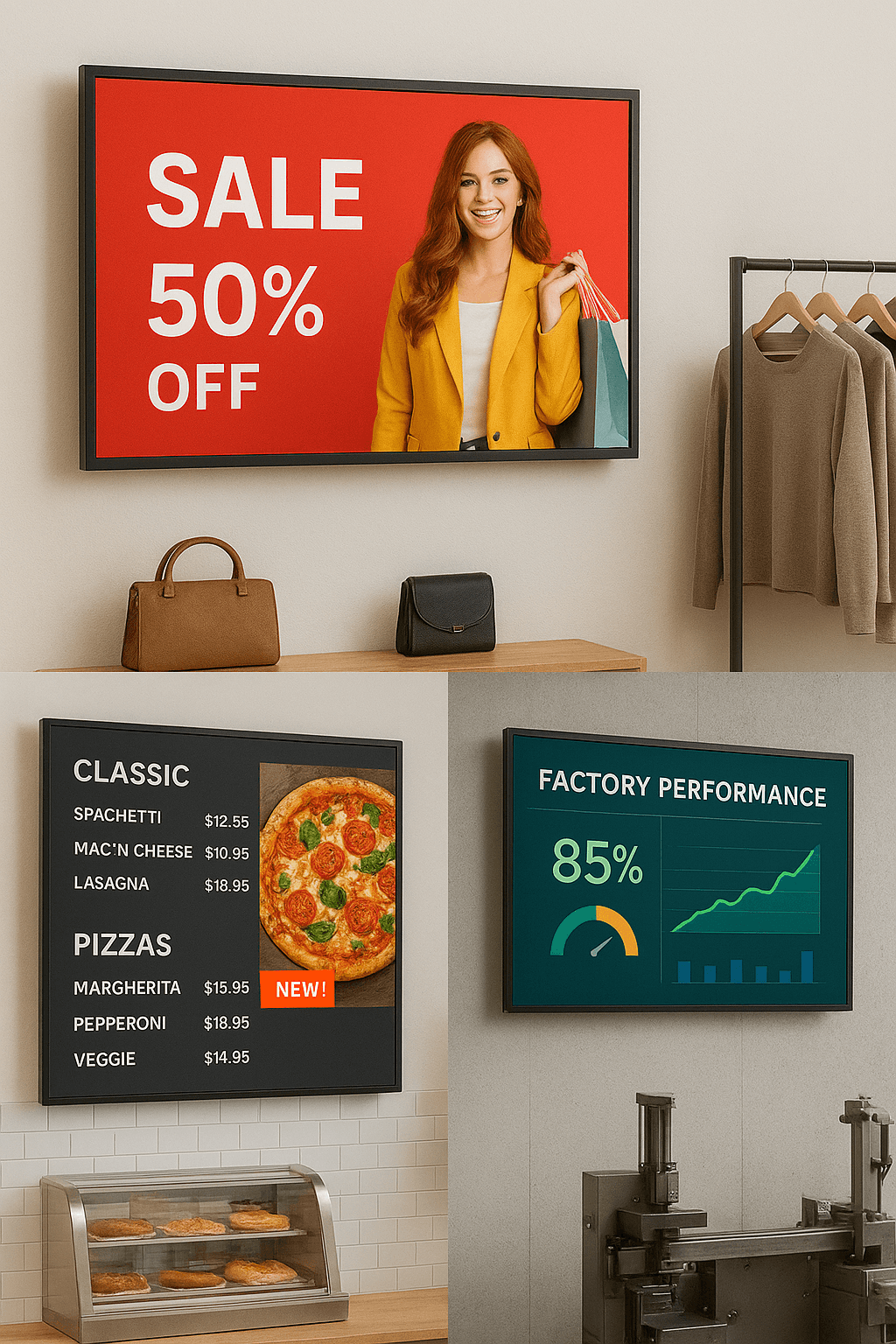
Stories from businesses using Screenflex


Documentation
Here you will find all of the available documentation